Edit photos with text addition, drawing tools in multiple colors, and cute icon placement. Crop images using various ratios. Export edited photos in different formats.
by nguyen thanh★ 4.166 ratingsPhoto & VideoFreeData updated 2026-09-06
Edit photos with background erasing and changing tools. Blur backgrounds and apply portrait beauty effects. Add realistic filters and effects with one tap. Share edited photos directly. Join a community for editing tips and feedback.
Create -themed with multiple creative options. Select images from gallery or camera. Apply effects for enhanced visuals. Share photos on social media platforms. Save edited images in high resolution.
Create social media content with customizable templates and themes. Edit photos and videos by removing backgrounds and adding animations. Share finished stories directly to social platforms.
Apply effects to photos including sepia tone, grain, darkened edges, distressed paper, and faded highlights. Adjust intensity settings and export edited images in various formats.
Edit photos with , cropping, and brightness adjustments. Add text, stickers, and borders. Export in various formats and share directly. Apply exclusive and enhance images with advanced tools.
Edit photos with skin smoothing and whitening features. Adjust enhancement levels from 1 to 8. Apply 12 unique filters for enhanced selfies. Add makeup tools for detailed facial enhancements. Save and share edited images directly.
Edit photos with paint and drawing tools, blemish removal, and image enhancement features. Add text and stickers. Export and share edited images directly.
Edit videos and photos with VHS effects, including color compression and signal noise emulation. Apply various filters for different styles. Export edited content in multiple formats and share directly.
Edit photos with AI art filters and creative effects. Generate AI videos using advanced models. Animate images and apply styles. Export edited photos and videos in various formats. Share content directly from the .
Edit photos with effects, , and . Add creative overlays and stickers. Adjust brightness, contrast, and saturation. Crop and rotate images. Share edited photos directly to social media.
Edit photos with filters, retro effects, and dimension styles. Crop, resize, and trim images. Adjust colors and brightness. Save and share edited photos directly.
Create images from text prompts with AI. Generate realistic photos, bold art, and layouts. Edit images to adjust details, extend scenes, or remove backgrounds. Design logos, headshots, and marketing materials.
Take and ID photos using a mobile device. Automatically adjust images to meet country-specific requirements. Manually crop and resize photos for precise formatting. Save and share edited photos directly.
The app allows users to crop photos into a square shape for posting on Instagram. It supports both landscape and portrait orientations and offers various background options and effects.
With filters, cropping, and adjustment tools. Apply beauty enhancements and double exposure effects. Use color splash and resize images. Access frames and story templates. Change resolution and export in multiple formats.
Generate from text prompts by selecting an art style. Create unique images in seconds. Convert text ideas into videos quickly. Edit and export generated content in various formats.
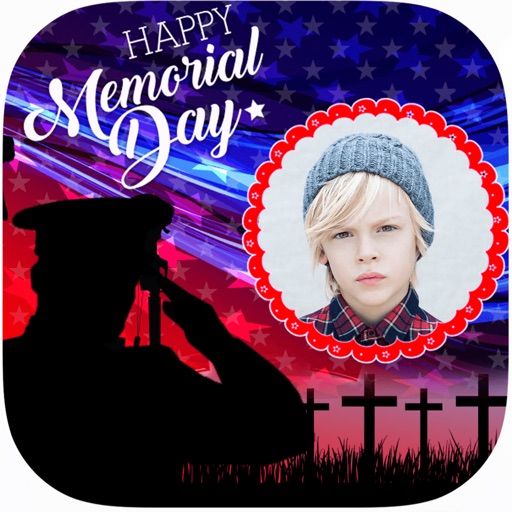
Create and apply with military-themed designs to commemorate Day. Add text and decorations to photos. Share edited images on social media or via email. Include patriotic effects and background themes.
Edit photos with resizing, text addition, and customization. Choose from categories like romantic, love, and holiday frames. Apply various effects and save or share edited images.
Edit photos with and apply filters. Add text and stickers. Create montages. Share edited images directly. Adjust brightness and contrast. Save and export in various formats.