Edit photos with text addition, drawing tools in multiple colors, and cute icon placement. Crop images using various ratios. Export edited photos in different formats.
by nguyen thanh★ 4.166 ratingsPhoto & VideoFreeData updated 2026-09-06
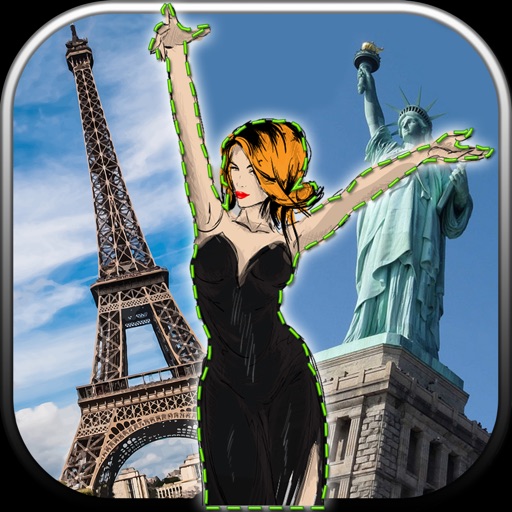
Edit photos by removing unwanted backgrounds and replacing them with scenic images. Cut out subjects and paste them onto new backgrounds. images for seamless montages. Share edited photos directly.
Edit images with tools like Rect Select, Lasso, and Clone. Crop, adjust colors, add text, and apply effects. Use brushes, gradients, and erasers for detailed edits. Save and share edited files in various formats.
Resize images by custom dimensions with aspect ratio lock. Crop using freeform or preset ratios. Compress files to reduce size without quality loss. Convert to JPG, PNG, HEIC, or WEBP formats. Rotate and flip images with quick options.
Customize home screen with personal photos. Select and crop images for . Create albums in various sizes. Apply filters and add borders or frames. Share edited photos directly.
Edit photos using adjustable filters for brightness, contrast, saturation, color temperature, highlights, shadows, and color. Add text to images for customization. Preview in real time. Remove previous settings. Save edited photos to the device.
Edit photos with , light leaks, and frames. Add text and stickers. Share edited images on social media. Access monthly updated . Apply templates and adjust lighting. Export in multiple formats.
Edit images with 75 standard and 285 custom blend . Adjust luminosity, contrast, and color. Apply 49 effects including spot, hue, and pixelate. Use blur, focus, and crop tools for precise refinement. Export edited images in various formats.
Personalized photo frames with customizable borders and background designs. Add text messages or notes to photos. Share decorated images directly through social media or messaging apps. Edit photos with basic tools to adjust brightness and contrast.
Edit photos with and holiday effects. Add text and stickers. Create cards and share edited images directly. Decorate photos with festive themes and access a photo booth feature.
Edit photos with holiday , text, and stickers. Add personal messages to images. Save edited photos as device wallpaper. Share finished cards with others.
Edit photos with AI-powered tools for background removal and image enhancement. Adjust colors, brightness, and contrast. Add text, stickers, and filters. Export in various formats and share directly.
The app enables event photographers and photo booth companies to share experiences. Guests can share event photos to Instagram, Facebook, Twitter, Email, and text.
Edit photos with AI-powered filters, face swapping, and style transformations. Adjust lighting, colors, and backgrounds. Add text and stickers. Export in various formats and share directly.