Edit photos with text addition, drawing tools in multiple colors, and cute icon placement. Crop images using various ratios. Export edited photos in different formats.
by nguyen thanh★ 4.166 ratingsPhoto & VideoFreeData updated 2026-09-06
Add to photos with customizable fonts and styles. Choose from 250+ fonts and 200+ templates. Include layers for , images, shapes, and stickers. Access a variety of stickers, icons, and quotes. Apply single color or gradient color palettes.
ITWORKED YAZILIM IC VE DIS TICARET LIMITED SIRKETI
Logos, icons, and brand visuals with AI
Generate custom logos and icons based on text input. Choose from multiple concepts. Edit colors, fonts, and styles. Export in various formats and share directly.
Apply light-based effects to images using particle overlays. Adjust edge detection and contour settings for different artistic styles. Export edited images in various formats and share directly.
Capture photos with adjustable speeds from 0.5 to 15 seconds. Freeze or blur specific areas using focus and splash tools. Adjust contrast and sensitivity settings. Add captions, text, and draw on photos.
Choose from multiple creative to enhance photos. Select images from gallery or capture new photos. Apply effects for realistic results. Share via Facebook, Instagram, WhatsApp, and other social media. Save high-resolution images.
Apply thematic with 18 styles, each offering 20 variations. Use grid combinations to blend multiple . Add graphics and art for creative . Customize with multi-functional tools. Export edited images in various formats.
Edit photos with vintage filters, effects, and customizable frames. Add text and stickers. Crop and adjust images. Save and share edited photos directly.
The app allows users to create monochrome images from selected or taken photos. It offers 10 photo filters, cropping, moving, rotating, zooming, and text addition capabilities.
The app offers tools for cropping, resizing, and annotating images. It includes features for applying text, shapes, and signatures, along with a variety of built-in photo effects.
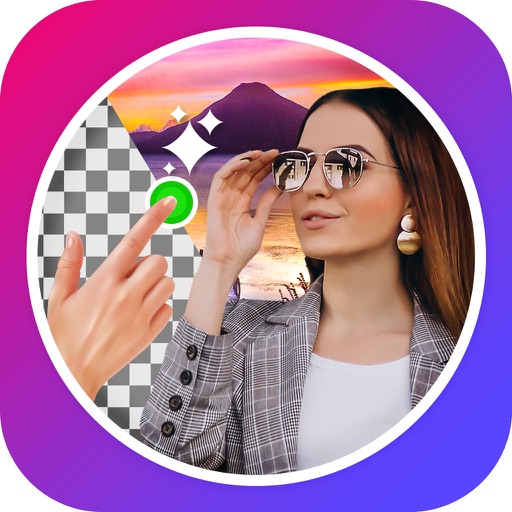
Edit images to remove backgrounds using AI. Cut out objects and replace them with new backgrounds. Adjust edges for smooth transitions. Share edited images directly.
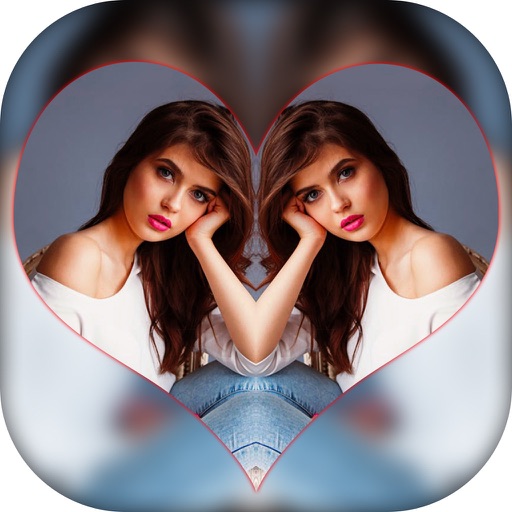
Create effects with left-right, up-down, reflection, and repeating options. Apply effects and designer frames to enhanced images. Edit and share -style photos with additional customization features.
Edit photos and videos using a wide range of . Adjust exposure, contrast, and color grading. Apply filters and effects. Save and organize custom . Export edited content in various formats.
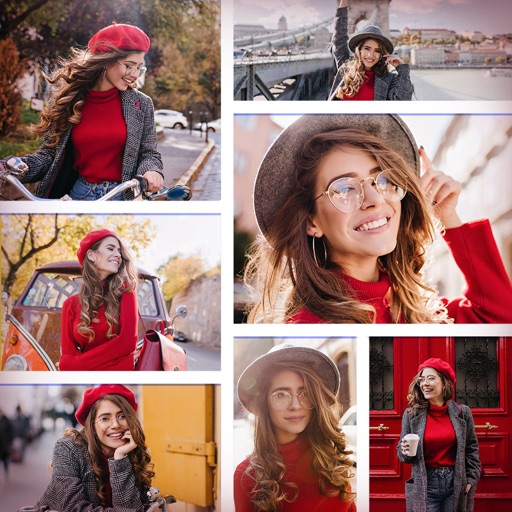
Create collages using up to 15 photos with customizable layouts. Adjust size, position, and rotation. Crop with various proportions. Convert photos to square formats with blur, color, or tile backgrounds. Apply filters, rotate, flip, or clip photos.
Create New countdown videos using photos and music. Add holiday frames and stickers. Arrange images into slideshows. Edit videos with background music. Export and share finished videos.
Create collages by combining multiple photos and videos. Choose from , poster, or editor modes. Adjust layouts, add effects, and stitch content together. Edit images with filters, cropping, and text overlays.
Create collages with single or multiple photos, up to 14 images. Add , backgrounds, and drawings. Share collages on Facebook, Instagram, Twitter, WhatsApp, and other platforms. Edit photos with basic tools and apply templates.
Add flower and borders to photos. Edit images with cropping and brightness adjustments. Share edited photos with friends and family. Save and view edited images in the .