Create and edit using a virtual piano keyboard. Export and import MusicXML files for compatibility with other software. Compose simple piano pieces or complex symphonies. View and adjust musical scores with a user-friendly interface.
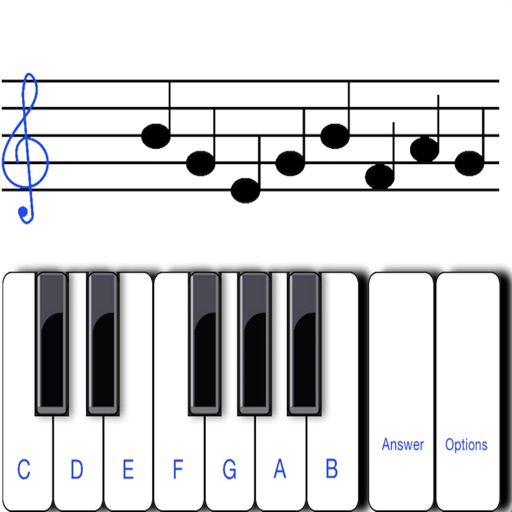
Practice music reading with by selecting Treble or Bass clefs and choosing exercises with 10 to infinite notes. Identify notes, improve sight-reading, and track progress through interactive challenges.
The app allows users to write music notation and create music scores using an on-screen keyboard. It focuses on intuitive creation of small scores and sketches, with options to share creations via email, Twitter, or Facebook.
Create and edit musical scores with multi-staff and multi-voice editors. Add notes and chords using the Pencil tool. Transpose sections with vertical drag. Use On-Screen piano for quick composition. Select and adjust elements with the Select tool.
Create music by touching the screen to play notes and adjust sounds. Use multi-touch surfaces like radar, ribbon, or keyboard. Move fingers to modify tones. The semi-generative engine selects suitable notes automatically.
Find concerts for favorite artists by location. View upcoming shows across genres. Get details on dates, venues, and ticketing options. Receive alerts for new events in your area. Share event info with friends.
Practice with exercises on key signatures, intervals, and chords. Identify notes in treble and mezzo-soprano clefs. Train sight reading with varying difficulty levels. Learn about triads, sevenths, and extended chords.
The app allows users to compose music for various ensembles and offers handwriting recognition with Apple Pencil. Users can import scores, edit notes, and export compositions as PDF, MusicXML, or MIDI files.
To notes in G and F clefs. Practice notes above and below the staff across six octaves. Randomly generated notes apply to any instrument. Switch clefs for varied practice. Receive feedback on missed notes. Set pace and limit octaves for beginners.
The app allows users to compose music scores with various symbols and multiple tracks. It supports different instruments, transposing instruments, and playback.
Create music by tapping colorful cells on a grid, each representing a different sound. Use multiple instrument layers including drums, bass, and synths. Access a professional sound library with high-quality samples. Record and save compositions.
Play rhythm game by hitting arrows at precise times to score points and advance through levels. Compete against scary opponents in themed battles. Access soundboard with spooky voices and . Answer quiz questions to uncover secrets.
Learn and practice music intervals, scales, modes, chords, and cadences. Play back examples to understand sounds. Practice with melodic or harmonic exercises. Receive feedback on accuracy. Track progress over time.
Train musical skills with interval, chord, and progression recognition exercises. Customize training sessions. Set practice goals and track progress. Receive instant feedback on answers. Export results for review. Sync progress across devices.
Learn to play keyboard, drums, and pads with interactive lessons, exercises, and songs. Track progress with scoring and levels. Access 2000+ courses and practice regularly to improve skills.