Photos by flipping horizontally or vertically. Create reflections and repeating patterns. Apply effects and frames. Design collages with multiple layouts. Export and share edited images.
Remove backgrounds from images by drawing a closed curve. Automatically erase similar color areas for transparent results. Adjust brush size for precise edits. Pan, zoom, and rotate images.
Create collages by selecting multiple images and arranging them in different grid layouts. Add frames from a collection of 100+ designs to enhance images. Build personal stories by organizing photos and sharing them directly.
The app transforms photos into halftone and rasterized artwork using dots, lines, and shapes. It offers creative modes like Grid, Interlaced, Radial, and Photo, with options for bicolor, multicolor, or full color.
The app provides real-time filters and image effects for photos. Users can add movie-like FX stickers to create action-packed images for social media sharing.
Create collages by combining multiple photos using drag-and-drop layout tools. Edit individual images with cropping, filters, and brightness adjustments. Add text, stickers, and frames to enhance visuals.
Edit photos and videos with advanced auto enhance tools, double exposure, and 425 special light effects. Apply filters, add stickers, typography, and vignettes.
Edit photos by removing objects with a magic eraser and auto-cutout tools. Adjust colors, apply filters, and enhance details. Save and share edited images directly.
Edit photos with background erasing and changing tools. Blur backgrounds and apply portrait beauty effects. Add realistic filters and effects with one tap. Share edited photos directly. Join a community for editing tips and feedback.
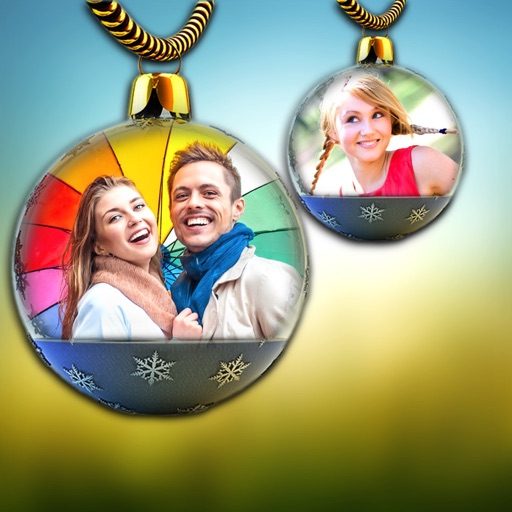
The app provides layouts, backgrounds, and frames for designing photo collages. Users can select templates, upload photos, and adjust them with effects, resizing, or rotation.