Add and to with customizable fonts and animations. Position and resize anywhere on the screen. Set duration using a time slider. Crop to square. Choose from preloaded or . Apply start and end animations to elements.
Adjust text size and spacing for better readability. Choose from accessible fonts like OpenDyslexic or Comic Sans. Customize line spacing and background color. Enable dark mode for reduced light sensitivity. Sync settings across devices.
Create intros with customizable effects and music. Add glitch and trending animations. Export videos in 1080x1920 resolution without watermarks. Access weekly updated themes and styles.
Create collages by arranging photos in various layouts and adjusting their position, angle, and size. Apply unique filters and choose from rich typography styles and text stickers.
Create scrolling LED banners with customizable and vibrant effects. Adjust scroll speed and direction. Choose from multiple LED styles and background colors. Share banners via social media or email.
Processes and edits by removing empty lines, extra spaces, converting tabs, and fixing quotes. Users can from emails, documents, or other sources. Perform quick adjustments with simple taps.
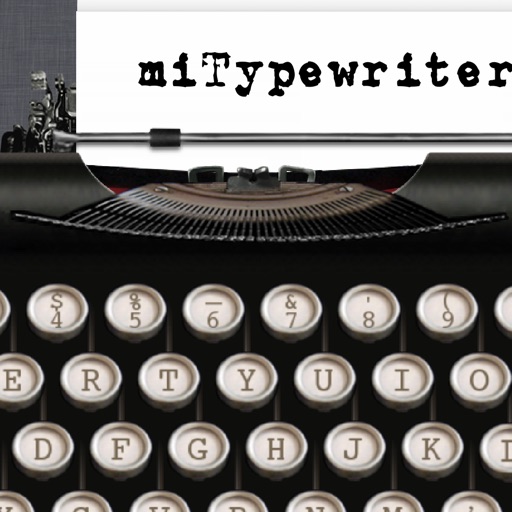
The app provides a realistic typewriter experience on the user's iPad. It offers features such as email by image or text, a backspace key, multiple fonts, keyboard layouts, and ink ribbon colors.
Scan images to extract using optical character recognition. View EXIF metadata and identify phone numbers, addresses, websites, and emails. Process data locally with no internet connection. Share images via the device's share button.