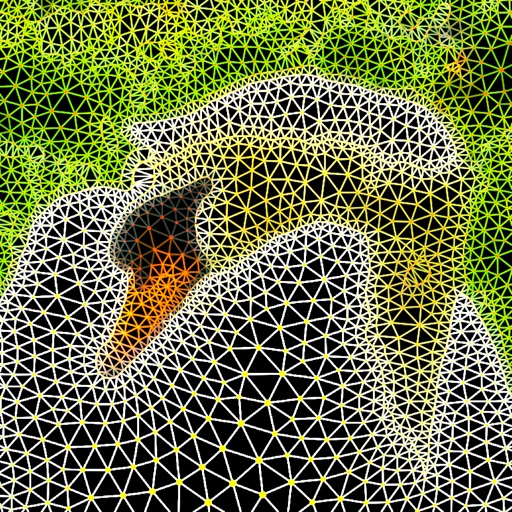
Create images using color or black and white dot patterns. Adjust dot size, rotation, and blend rate with the original image. Save photos up to 2000x2000 pixels. Apply polka dot effects for artistic designs.
by Takenori Asami★ 4.712 ratingsGraphics & DesignFreeData updated 2026-09-06
Create stories using static or animated templates. Import and edit photos with filters and effects. Add customizable text styles. Customize templates to match personal or brand style with one tap.
Add padding, borders, and frames to photos for optimal platform fit. Adjust padding size and style. Export full-resolution images without quality loss. Process multiple photos in batches.
Create custom using AI-generated templates and texture overlays. Adjust colors, opacity, and blending modes. Export for use in designs, wallpapers, or social media posts.
Create collages using up to 15 photos with customizable layouts. Adjust size, position, and rotation. Crop with various proportions. Convert photos to square formats with blur, color, or tile backgrounds. Apply filters, rotate, flip, or clip photos.
Create photos using AI-powered smart filters. Adjust exposure, contrast, and saturation. Apply style presets or customize filters. Save and share edited images directly.
AR allows users to trace and draw images using augmented reality. Adjust transparency of the image for better visibility. Position the device above paper with a stand to begin . Basic AR tracing features enable accurate sketching and design.
Edit photos with resizing, cropping, and options. Add text, polaroid frames, and stickers. Generate square, landscape, or portrait images for social platforms. Export and share edited photos directly.
Edit photos and videos with filters, effects, and adjustments. and scale using predefined canvases. Rotate, flip, and blur images. Add text, stickers, and frames. Share full-size content to Instagram and other social media without cropping.
Creator lets users upload photos or selfies to generate high-quality images. Users can describe characters or select styles for AI to design. Add dynamic costumes, backgrounds, and custom titles to create animated videos.
Transform photos into artistic styles like anime or oil painting with one tap. Age or rewind time in images. Edit and share transformed photos. Apply AI-generated artistic effects. Adjust and refine style transformations.
Edit photos with AI-powered background removal, colorization, and enhancement. Adjust brightness, contrast, and saturation. Crop, resize, and apply filters. Export in various formats and share directly.
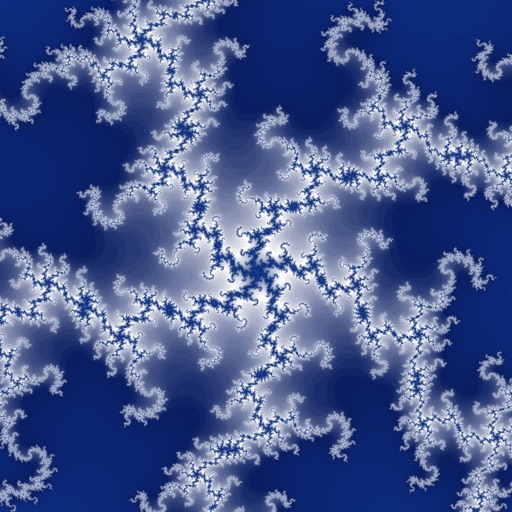
Explore Mandelbrot and Julia set images with interactive zoom and scrolling. Observe Julia set changes while navigating Mandelbrot. View point orbits to see iteration patterns. Choose from multiple color schemes.