Edit photos with filters, contrast, brightness, and color adjustments. Add text, stickers, and drawing tools. Customize images and landscapes. Export in high quality. Access a free image library. Apply advanced editing features.
Create videos and images using editing tools. Track faces and objects. Access premium templates. Add labels and images. Download content from TikTok, YouTube, Instagram, Facebook, Reddit, Giphy, and more. Share edited content to social media.
Create custom stickers with auto and manual cut-out tools. Add text, emojis, and reshape images. Save packs for WhatsApp and iMessage. Include static and animated stickers from a free collection.
The app offers professional editing tools, beauty enhancements, and special effects. Users can apply stickers, create classic collages, and design fashionable posters with InstaMag.
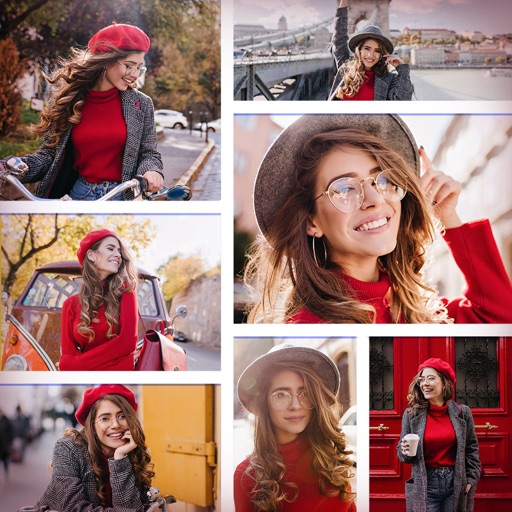
Create collages by combining multiple photos and videos into framed cells. Add rounded corners, shadows, and patterns. Choose from 500+ adjustable frames. Use an easy color picker for customization.
Create collages with customizable blur backgrounds and adjustable layouts. Apply filters like black and white, vintage, and retro to enhance images. Edit photos by resizing, cropping, or deleting elements.
Shanghai Ruishixinyan Information Technology Co., Ltd
Aesthetics are productivity and lifestyle.
The app offers classic collage and video editing with multi-scenario templates and layout customization. It also provides trendy video kits and a signature design template library with various aesthetic styles.
Edit photos with AI muscle enhancement, reshaping, and face retouching. Add beards and hairstyles. Remove backgrounds. Reconfigure faces with AI reface. Adjust muscles, arms, and chest. Export edited images.
Edit photos with AI-powered one-tap tools and auto-collage features. Create collages and design layouts using professional templates. Apply artsy effects to turn photos into paintings, cartoons, or sketches.
Split photos into square formats for Instagram. Create collages by combining multiple images. Use customizable layouts. Export and share directly to Instagram.
Edit photos and videos with move, rotate, scale, flip, and custom adjustments. Apply unique filters, effects, borders, and frames. Add text and stickers. Share full-size content directly to and other social platforms without cropping.
Create collages with customizable grids and multiple layout options. Add photos by selecting from camera or gallery. Adjust images using zoom and touch gestures. Change background colors or themes. Save or share collages through social media apps.
Create collages by combining multiple photos into one with customizable layouts. Apply one-touch filters for instant effects. Add text, letters, and stickers to photos. Export and share finished collages directly.
Create collages by combining multiple photos and videos. Choose from , poster, or editor modes. Adjust layouts, add effects, and stitch content together. Edit images with filters, cropping, and text overlays.
Edit photos and videos with AI-generated anime styles, including facial enhancements and background effects. Apply filters, adjust colors, and add animated elements. Export edited content in various formats and share directly.
Edit photos with filters, cropping, and adjustment tools. Add stickers, vector elements, and custom fonts. Create and customize grids for Instagram. Share directly from the .