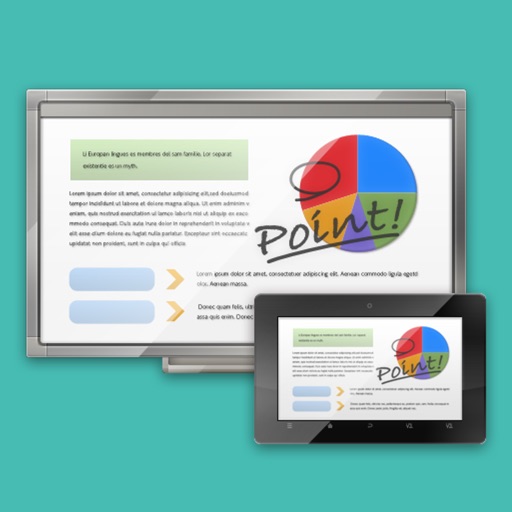
The app links a SHARP Touch Display or computer with a client device like a tablet in a wireless LAN environment. It enables sharing of meeting materials, screens, and interactive writing for annotated notes.
Allows users to organize text in a matrix of boxes for structured scripting. Users can create new boxes for separate threads, edit content, and review text in a visual layout. It supports formatting for speeches, presentations, and scripts.
The app allows users to save PDF files to a shared Windows folder or browse files within a shared Windows folder. It includes a built-in viewer for PDF files and can open PDFs passed from other applications.
This application displays a view-only Cue List for Eos family products. Lighting designers and stage managers can view current and pending cues on iPhone and iPad devices.
Manage multiple displays with full resolution and bit depth control. Adjust settings to use all available resolutions. Bypass operating system restrictions to access hidden options.
The app displays boat navigation information and controls the onboard installation. It connects via WiFi, allowing users to send commands to the autopilot and diagnose instruments.
Manage and update ePaper displays wirelessly via Bluetooth Low Energy. Upload images, schedule refreshes, and control display settings. View device status and adjust connectivity options.