View recent posts from followed sites and users. Share short updates, links, and replies. Format content with markdown. Customize themes and categories. Upload photos, podcasts, and videos. Manage full-length posts alongside microblog entries.
Browse and search for popular GIFs. View and collect GIFs saved in the . Save GIFs and share them on social media platforms like Facebook and Twitter. Supports dark mode for enhanced visibility.
Access articles and issue previews. Browse fashion, culture, and lifestyle content. Share content on social media. Subscribe for full issues. Receive free first issue with subscription.
Edit photos with filters, collages, and stamps. Add text and stickers. Save to albums. Share directly to blogs and social media. Apply toy camera effects. Adjust brightness and contrast. Crop and resize images.
The app offers smooth dashboard browsing with infinite scrolling and automatic post loading. It provides quick actions for liking and reblogging posts, along with management for liked and user posts.
The app allows users to create black and white photographs with adjustable light, contrast, texture, and shape. It offers a spotlight tool and various filters to transform images into classic or modern styles.
Create artistic images using 50+ custom templates. Crop and frame photos into symbols, words, or shapes. Share finished images to Instagram, Facebook, Flickr, Tumblr, and Twitter.
Create flyers, posters, logos, and social media graphics with customizable fonts, filters, shapes, and artwork. Add text, adjust colors, and export designs for print or online use.
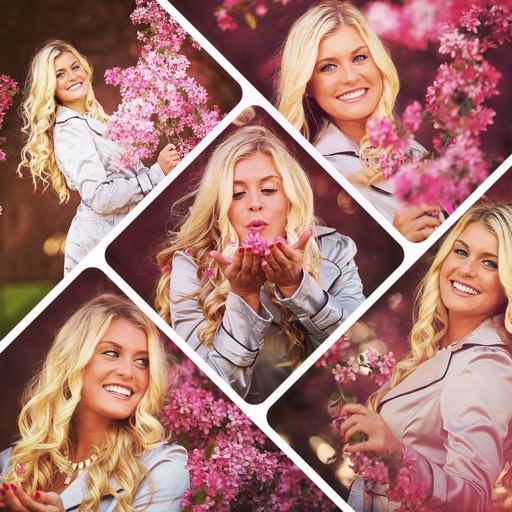
Create collages by combining multiple photos using various frame patterns and grid layouts. Apply over 1100 design styles to individual images or collages. Share finished creations directly from the .
Browse and download full-resolution images from thumbnails. Bulk download pages with a single click. Share images to Tumblr. View and manage photos privately without passwords.