Play piano using a grid-based key layout. Select MIDI voices and adjust scales. Enable sticky keys for practice. Adjust note duration and velocity. Save and load custom configurations.
by Jason Pepas★ 5.04 ratingsMusicFreeData updated 2026-09-06
Access and play piano sheet music with a vast library of over 50,000 scores. Organize favorites, adjust tempo and rhythm, and search by composer or piece. Save and annotate scores. Sync with digital piano or MIDI devices.
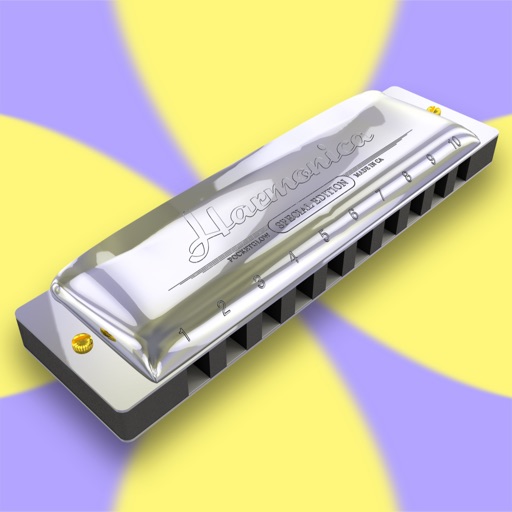
Play melodies using a sampled 10-hole diatonic . Access single notes, chords, blow, draw, and bend sounds across all 12 keys. Touch the screen to play without blowing. Record performances and share them directly.
Create and manipulate music using virtual tape loops. Load and play 90 preloaded tapes, including 65 from Streetly's Production Masters. Adjust pitch, tempo, and effects. Export audio files and share directly.
Explore musical scales and modes with over 1400 options. View chords and notes for any root note. Find scales via piano keyboard, circle of fifths, or related scales. Compare chords across multiple scales.
Create and manipulate sound using a finger-drawn wavetable sequencer. Adjust waveform shapes, control modulation, and layer multiple sounds. Save and share custom presets. Sync with MIDI devices and integrate with DAWs.
Play notes with touch-based controls. Adjust bow pressure and string tension for realistic sound. Choose from orchestral and extra-orchestral instrument samples. Record performances and share audio files.
Explore musical instruments like piano, xylophone, and through interactive play. Listen to rhymes and songs with animal and vehicle sounds. Engage in playful modes that encourage learning and exploration.
Manage with real-time tempo and key adjustments. Load and play music files directly from the device. Sync with click and metronomes. Adjust volume and effects on the fly. Share via cloud storage or direct links.
The app offers independent control for up to 10 simultaneous notes. It features a pitch control system that allows for expressive musical performances with visual feedback.
Connect MIDI devices to iOS music apps via Bluetooth LE or USB. Route virtual ports to Bluetooth or USB ports. Supports low-latency MIDI transmission for compatible applications.
Watch a high-resolution, multi-camera performance of . Explore interactive visualizations that sync with the music. Navigate through detailed annotations and insights from Stephen Hough. Adjust playback speed and replay specific sections.
Create and manipulate string-based sounds using a virtual analog synthesizer. Adjust oscillator waveforms, filter settings, and envelope parameters. Connect to MIDI devices for playback.
The app provides access to MIDI features and audio settings for connected iConnectivity MIDI interfaces. Users can save and open routing and processing Snapshot files, name inputs, route MIDI selectively, and process MIDI.
Guitar, piano, oud, and violin through video tutorials and sheet . Follow structured lessons designed by expert teachers. Track progress and access resources for all skill levels.
Create and edit sheet with customizable notation tools. Adjust dynamics, clef, key signature, and time signature. Add and transpose notes easily. Export scores as MIDI, PDF, or print directly.
Play violin with realistic sound simulation. Access 10 different scales including ALSABA, NAVA ASAR, BAYATI, ALRAST, HOZAM, and HEJ. Adjust rhythms and quarter flat tunes. Practice with built-in tuning and performance features.
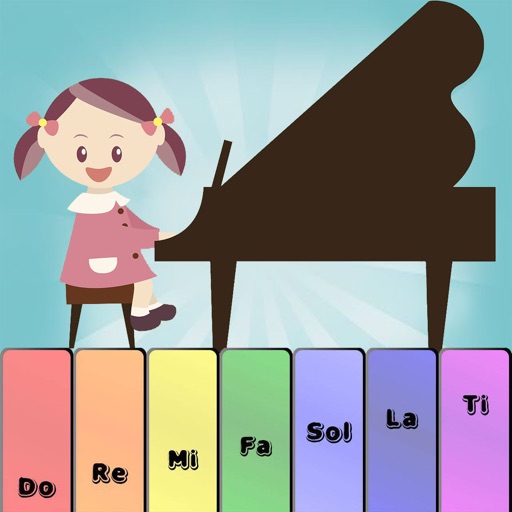
Learn through interactive games and lessons. Play notes on virtual keys or tap the screen to create melodies. Choose between two modes for different learning experiences. Receive instant feedback on accuracy. Track progress with visual indicators.