Convert rectangular videos to square format for Instagram. Post full videos without square cropping. Create custom wallpapers for iPhone lock screen based on device model and clock position.
Create highlight clips from long videos using AI. Automatically detect and select moments. Add auto captions and generate shareable short-form content. Export to TikTok, Instagram Reels, YouTube Shorts, and other platforms.
Edit photos with filters, effects, and AI tools to remove or blur backgrounds. Add stickers, text, and frames. Apply glitch, neon, and drip effects. Adjust colors and crop images. Export and share edited photos directly.
Allows users to convert images to black and white while emphasizing specific objects or colors. Users can open existing images or capture new ones with the camera. They can zoom and pan using two fingers or paint with one finger.
The app allows users to post videos to Instagram without cropping by adding sidebars. Users can add custom watermarks, choose background colors, and select frames.
Apply filters to photos and videos for enhanced visuals. Choose from hundreds of professionally crafted filters organized by category such as Black & White, Selfie, Food, and Vintage.
Edit photos with advanced filters, dynamic effects, and precise adjustment tools. Add text, stickers, and overlays. Export in various formats and share directly to social media or cloud storage.
Edit photos with filters, cropping, and brightness adjustments. Add text, stickers, and drawings. Remove blemishes and whiten smiles. Create collages with multiple layout options. Export in various formats and share directly.
The app allows users to customize their iPhone camera with various atmospheric photo styles. It offers adjustments for brightness, contrast, blur, focus, and vignetting, along with 18 color filters.
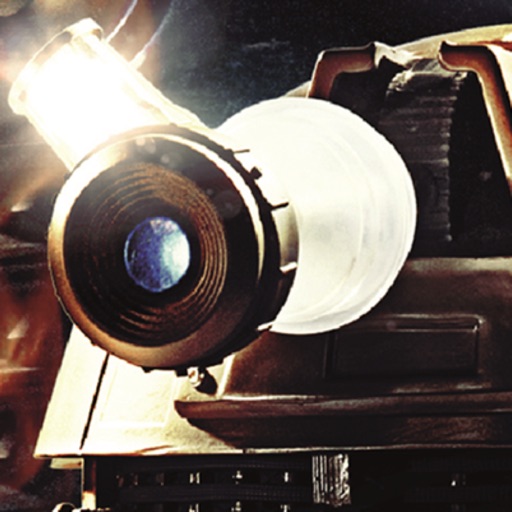
The app transforms devices into a Dalek's lens for photos and movies. It offers seven visual effects from Doctor Who's history, including black and white and thermal imaging.
AI enhances photos and videos with one-tap processing. Adjust brightness, contrast, and color balance. Remove blemishes and imions. Add text overlays and stickers. Export in various formats and share directly.
Edit photos layered and adjust opacity for precise control. Preview filter combinations side by side. Compare filter effects on the same image. Overlay multiple images fade transitions. Adjust details and export edited images.