Create AI artwork by entering text or uploading images. Choose from styles like anime, cyberpunk, and sketch. Earn free painting cards through daily check-ins. Edit and export generated art in various formats.
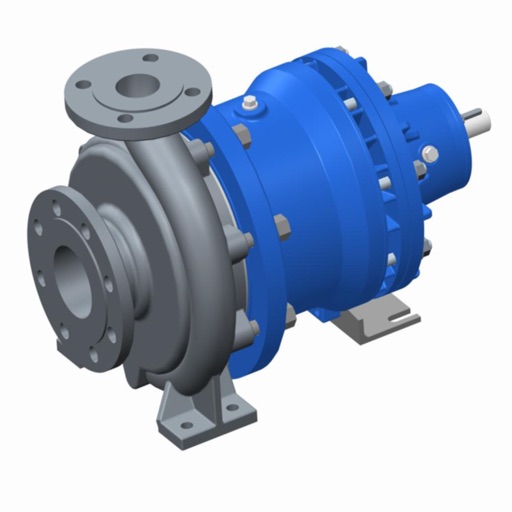
View augmented reality features of a magnet driven centrifugal pump by scanning a QR code with the 's camera. Access 3D models, technical details, and operational animations. Navigate through interactive components and view specifications.
Measure angles with a color-changing scale that adjusts based on the iPhone's tilt. Use the camera for augmented reality alignment. Set up tables, shelves, and objects straight without a physical level.
The app allows viewing native SolidWorks, eDrawings, and DraftSight files. Users can view models, access configurations, and use markup, measurement, and section tools.
Learn drawing and painting techniques through step-by-step tutorials. Access art instruction guides for pencil drawing, acrylic painting, watercolors, and more. Follow along with interactive lessons and practice exercises.
Sign PDFs and paper documents directly on iPhone. Draw or save styles for quick use. Import PDFs from iCloud, Files, or Photo Gallery. Scan paper documents into professional PDFs. Crop, rotate, reorder, or delete pages.
With step-by-step tutorials and exercises. Access offline lessons for anytime practice. Follow detailed instructions to improve techniques. Track progress through guided sessions. Export drawings directly from the .