Edit photos by adding colors to specific areas. Use shape to highlight sections with desired shapes. Apply filters, adjust colors, and use brush tools. Undo and redo changes. Export edited photos in various formats.
The app allows users to create mosaic, dot art, halftone, and pop art effects for photos and videos. Users can select images or videos, choose an effect, and adjust it using sliders.
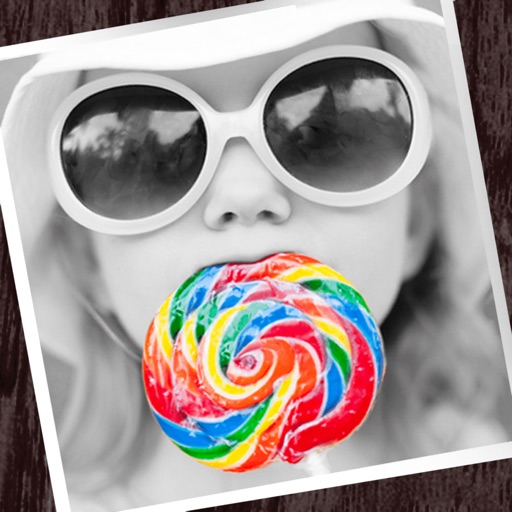
The app allows users to apply monochrome filters and effects to specific parts of an image by rubbing with a finger. Users can also reduce or enlarge images using a pinch gesture.
An that analyzes facial images to detect alterations. Users upload a face image to check for edits. The provides a percentage indicating the degree of modification. Results show how similar the image is to the original.
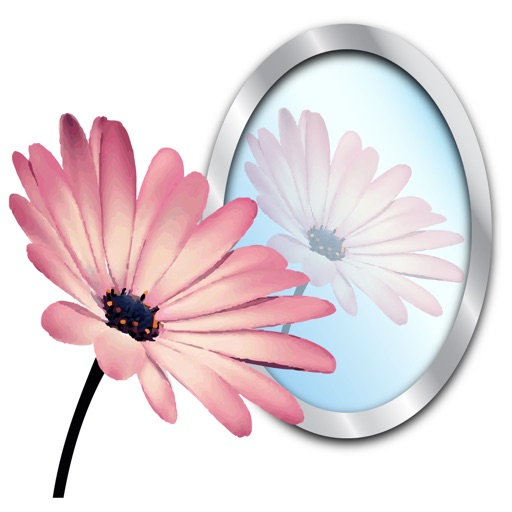
The app adds reflections to photos and videos, simulating them on a mirrored surface in 3D. Users can customize reflection parameters like width, offset, alpha, and depth, and export creations as transparent PNGs.
The app allows users to create original stamps from hand-painted illustrations. Users can then paste these stamps onto other images, adjusting their position and size.
The app transforms live video colors to help users distinguish them. It offers red-green and blue-yellow transforms, saturation increases, filtering, and hatching patterns.