Access and apply cat stickers to photos or messages. Choose from various cat designs including lying cats, funny cats, and cute kittens. Customize sticker size and position. Share sticker-edited content directly.
by Chingiz Zholdaspayev★ 4.52 ratingsStickersFreeData updated 2026-11-13
Send messages with "Kuma (Cute ) & (Cute cat)" stickers. Choose from illustrated sets to express emotions. Share stickers with friends and family. Add stickers to text conversations.
Add to iMessage conversations. Choose from multiple designs. Customize sticker size and position. Share with contacts. Save favorites for quick access.
Use stickers to personalize messages with -themed images. Choose from jack-o-lanterns, black cats, ghosts, witches, full moons, bats, pumpkins, witches hats, zombies, and spooky trees. Add stickers to text conversations and social media posts.
Add -themed stickers to messages by dragging the oval icon to the front of the Messages bar or adding via the More menu. Include 36 stickers for expressing affection.
Add visual flair to messages with dynamic featuring surgical themes. Choose from a variety of expressive animations and icons. Share directly in chats and social media apps.
Send photos and videos via iMessage. Add stickers to messages. Access sticker packs through the store within iMessage. Share content with friends using animated and static stickers.
Add featuring bubble tea designs to iMessage conversations. Access from the iMessage drawer or WhatsApp. Update sticker collection regularly. Share themed messages with friends.
Sticker allows users to send and receive animated stickers. Features include 80 stickers featuring chefs in hats and seasonal accessories. Users can revoke approval with a Chef's Diss sticker.
Create and send iMessage featuring precepts, character faces, doodles, and #choosekind reminders. Customize sticker packs and share messages with friends. Sync with the Daily for additional content.
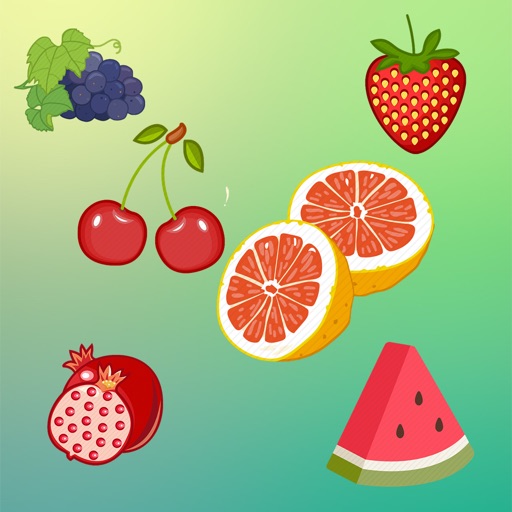
Use fruit-themed stickers to send messages or reminders. Add stickers to chats, create custom sticker packs, and share with friends. Include animations and sound effects for added fun.
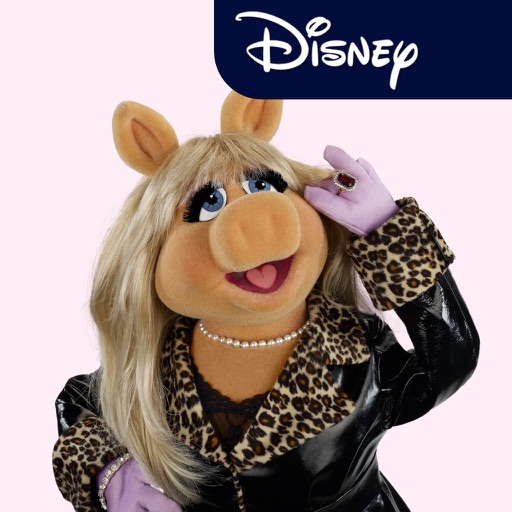
Add stickers featuring characters like Kermit, Miss Piggy, and Fozzie Bear to iMessage conversations. Select and send stickers directly from the iMessage interface. Browse and download additional sticker packs from the drawer.
Use animated stickers to add fun to messages. Choose from crystal red bee packs. Customize sticker size and position. Share stickers across social media platforms.
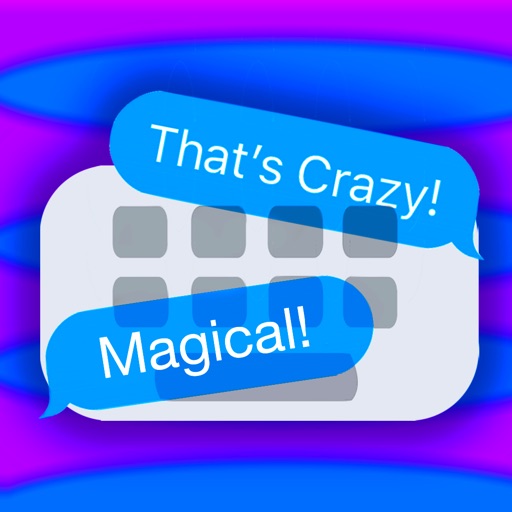
Create and send custom stickers by combining text and images. Add colored text in various hues. Overlay emojis on messages. Share stickers via iMessage. Customize sticker content by peeling and pasting text or images.
Send via iMessage by opening a conversation, tapping the ">" button, and selecting the sticker pack. Choose or drag into messages. Share directly from the iMessage drawer.