Extract colors from photos or camera snapshots. Pan, pinch, and zoom to select areas. View RGB, HEX, CMYK, HSB, and LAB values. Access complementary and Pantone schemes. Export information.
Measure and compare colors accurately using real-time sampling. Capture values and compare them against a white reference for improved precision. Save and share codes in multiple formats.
Create vector art using Bézier tools and Apple Pencil. Convert sketches or photos to SVG format. logos, icons, illustrations, and UI assets. Export vector files for production use. Refine curves and edit vector drawings directly.
Capture and collect color palettes for use in projects. Drag and drop colors into compatible apps like Pages and Keynote. Sync palettes across devices using iCloud. Analyze color schemes and save custom palettes for later use.
Edit photos and images with advanced tools for retouching, layering, and painting. Create multi-layered art and designs. Adjust colors, contrast, and lighting. Export in various formats and share directly.
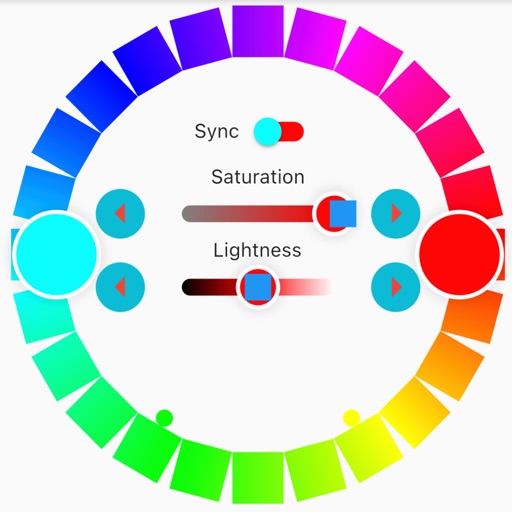
Create color palettes from scratch or based on a sample. Add or remove colors to refine the scheme. Organize palettes into collections for different projects. Adjust individual colors for precise customization.
Identify colors by pointing camera at objects. Retrieve precise hex, RGB, HSL, and CMYK values. Save unlimited palettes. Export colors to local album. pure black and white accurately.