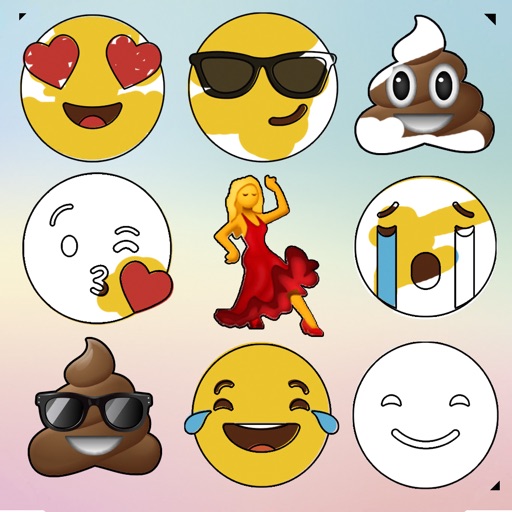
Create drawings and paintings using a variety of colors and brushes. Select from pre-drawn shapes and stickers. Save artwork to device storage. Share creations via social media or email.
HD Wallpapers lets users browse and set high-resolution images as device backgrounds. Categories include nature, abstract art, and more. Users can customize their home screen with curated visuals. Wallpapers can be applied directly from the .
Create ID photos with customizable sizes and background colors. Adjust face position and proportions. Export in standard formats. Apply one-click editing for professional results.
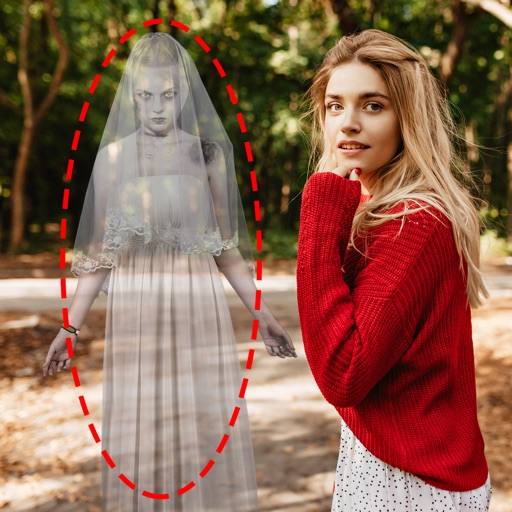
Edit photos by adding ghosts, monsters, or zombies from 62 options. Adjust transparency, color, saturation, brightness, and contrast for each creature. Position and resize creatures freely. Share finished photos with friends.
Enhance quality with AI-powered upscaling. Convert 480p to 1080p or 4K. Reduce noise and grain. Adjust brightness, contrast, and saturation. Smooth motion in fast scenes. Restore old videos for better clarity.
Pofi Entertainment Shenzhen Network Technology Co.,Ltd
3D scenes with assets and lighting
3D art with character, animal, and scene assets. Adjust camera angles and lighting settings. Use motion tools for animation. Simplify perspective and composition with intuitive controls. Export sketches and finished works.
Record videos with manual controls for exposure, shutter speed, ISO, white balance, focus, zoom, frame rate, quality, resolution, and aspect ratio. Save and share videos via iTunes, Airdrop, or other transfer methods.
Create paintings, drawings, and sketches with realistic brush strokes and 64-bit color. Use sub-pixel precision for detailed work. Import and export artwork in multiple formats. Access advanced tools for layering and color blending.
Take photos with color and sharp filters. Apply whiteness and beauty skin effects. Combine filters and colors for custom looks. Add contacts in 64 pattern colors. Use filters in both camera and alarm modes without charge.
Edit videos by colorizing specific parts and adjusting brightness, saturation, and hue. Change of selected areas, adjust contrast and white balance, and apply vignette effects. Convert videos to black and white with retention in chosen details.
Allows users to create motion or time lapse videos. Capture frames with a full-screen view. Support for portrait and landscape orientations. Save projects for later editing. Adjust frame rate for control over video style.