Apps Like Merry Christmas Frames Editor for iPhone and iPad
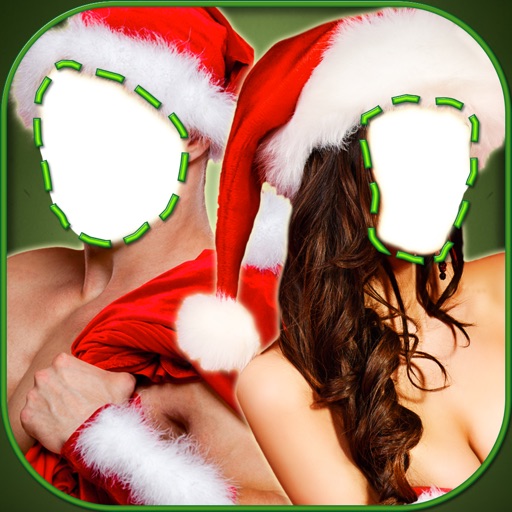
Frame photos with holiday decorations
Edit photos with and holiday effects. Add text and stickers. Create cards and share edited images directly. Decorate photos with festive themes and access a photo booth feature.
by Nick Vickers★ 3.25 ratingsPhoto & VideoFreeData updated 2026-09-06
Create and customize artwork with various brushes and tools. Save paintings to a personal gallery. Share completed artwork via email or social media. Add stickers, text, and frames to designs. Display favorite images on home screen widgets.
Apply winter-themed to images. Adjust frame opacity and position. Share edited photos directly. Add text overlays and decorative elements. Export in various formats.
Edit photos with -themed and creative effects. Choose from gallery or camera sources. Apply enhancements for realistic visuals. Share edited photos directly.
Create collages with 100+ frames and pip. Add stylish text and cute stickers. Apply filters and adjust opacity. Flip photos horizontally or vertically. Include special photos with effects and frames.
Displays a daily joke to keep users entertained. Features music playback, snowfall animation, and holiday-themed visuals to enhance the festive mood. Allows users to share jokes and music via social media.
Create by selecting from various and adding photos from the gallery or camera. Adjust photos with zoom, rotate, and move gestures. Save and share customized greeting through social networks.
The app allows users to create unique images with special effects by combining photos with text. Users can add stylish text, masking, collages, frames, filters, and geometric shapes to their photographs.
The app is a jigsaw puzzle game for iPhone and iPad. It features 60 levels with holiday-themed images, allowing users to drag pieces to form pictures and save completed images.
Select photos from gallery or photo library. Choose from numerous PIP frames. Use single image for both foreground and background or different images for each. Edit foreground and background separately. Apply photo filters.