Create custom wallpapers with scaling and resizing options on various backgrounds. Choose from color, gradient, pattern, bokeh, and text effects. Apply parallax effect for all iPhone and iPad devices.
Create collage videos with 50+ layouts. Customize grid ratios, background colors, and border settings. Add text, music, stickers, and filters. Drag and arrange media on a timeline. Apply special effects and adjust layouts for final edits.
Record HD videos and movies. Apply filters and effects. Crop and rotate videos. Adjust contrast, saturation, brightness, and temperature. Fine-tune colors and create custom filters. Use presets. Export in high resolution. Share videos directly.
Edit photos in batches with filters, duotone effects, and tools like selective hue and curves. Adjust multiple images at once. Import up to 25 photos. Save edited images in preferred formats and sizes.
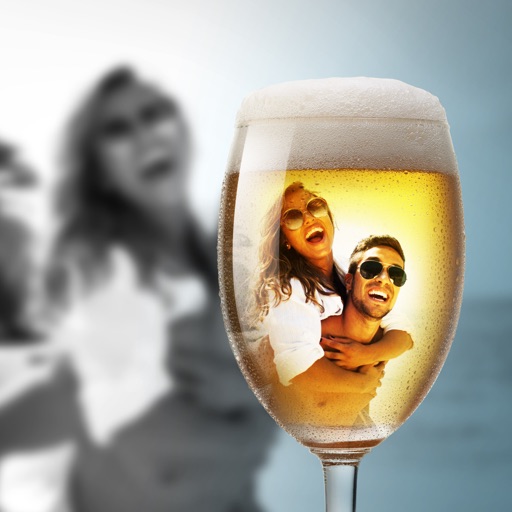
Capture photos and videos with customizable PIP frames. Apply foreground filters and background effects like blur, zoom, and comics. Add motion effects such as fire and snow. Create PIP videos or GIFs and share directly.
Shanghai Zongchong Information Technology Co., Ltd
Capture moments with AI suggestions
Allows users to capture photos with AI-powered recommendations. The analyzes lighting, colors, and subject matter to suggest tailored templates. Users can apply these templates to their images for precise and visually appealing proof of capture.
Edit and enhance grayscale photos with 20 predefined presets and custom adjustments. Apply vignette effects and modify color channels. Save personalized presets. View and share monochrome images directly.
Edit videos with real-time preview, trimming, and splitting. Add transitions, text, and stickers. Export in 4K resolution. Use external keyboard and mouse for efficient editing. Supports iPad, iPhone, and Mac with Apple M1 chip.
Backgrounds with a single touch. Replace backgrounds with any image. Apply blur to create a depth effect. Adjust clarity for better visibility. Export edited images directly.