Create and follow guided morning routines with audio prompts. Set step-by-step instructions to automate tasks. Customize flows or use pre-built templates. Track progress and adjust routines as needed.
The app generates many types of QR codes including URL, plain text, emails, contact information, phone numbers, and SMS messages. Users can create barcodes in various sizes and save them to their photo gallery.
The app allows users to draw and display custom marquees. Users can export their creations as MP4 videos, utilizing multi-color options, adjustable stroke widths, and four directional movements.
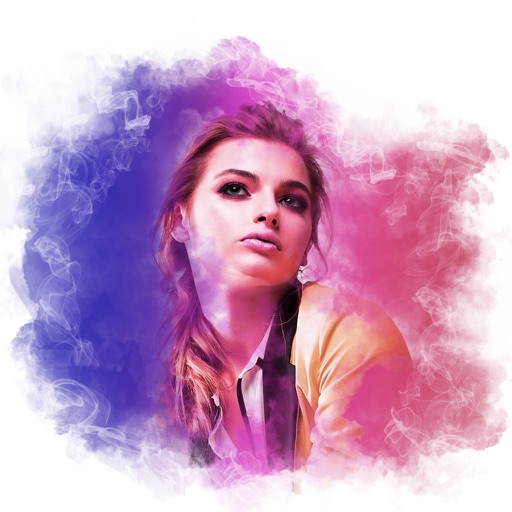
AI editor offers one-tap cleanup, lighting adjustment, skin smoothing, and portrait polishing. Remove and replace backgrounds with clean cutouts. Upscale images to ultra-clear resolution. Apply colorization and restore old photos.
The app allows users to edit photographs by adjusting brightness, tint, and balance. Users can apply filters such as Sepia, Colorize, Wave, Watercolor, and Color Reduction to create collages and greeting cards.
Edit photos with blur background settings, shattering effects, and color frames. Add overlays and crop, rotate, or flip images. Import from gallery or camera, and share edited photos to social media.
Edit photos by removing unwanted objects using a brush tool for precise selection. Adjust brush size for detailed control. Blend backgrounds seamlessly for natural results. Save and share edited images directly.
The app offers digital drawing tools that evoke natural media. It provides a focused drawing experience with essential tools and is optimized for Retina displays.
Edit photos using adjustable filters for brightness, contrast, saturation, color temperature, highlights, shadows, and color. Add text to images for customization. Preview in real time. Remove previous settings. Save edited photos to the device.