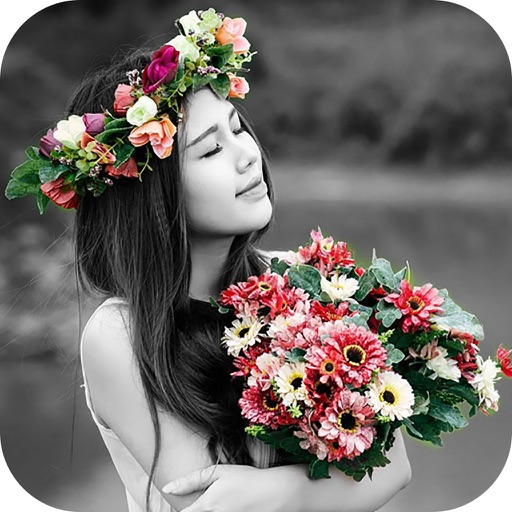
Photos with a variety of filters including Normal, Linear, Vignette, Instant, Process, Transfer, Chrome, Fade, Curve, Tonal, Noir, Mono, and Invert. Adjust lighting, chromatic aberration, and blackout settings.
Create and manage paint palettes with advanced color picking and brand comparisons. Mix colors using a paint mixer tool. Store and organize palettes, group them, and add notes for reference.
The app allows users to create spiral drawings with colorful gears and rings. Users can import photos, use Apple Pencil, and draw hypotrochoids and epitrochoids.
Calculate and man-hours needed for a room by inputting wall dimensions and subtracting areas for windows and doors. Estimate volume based on wall surface area and coverage rate. Save calculations and view detailed breakdowns.
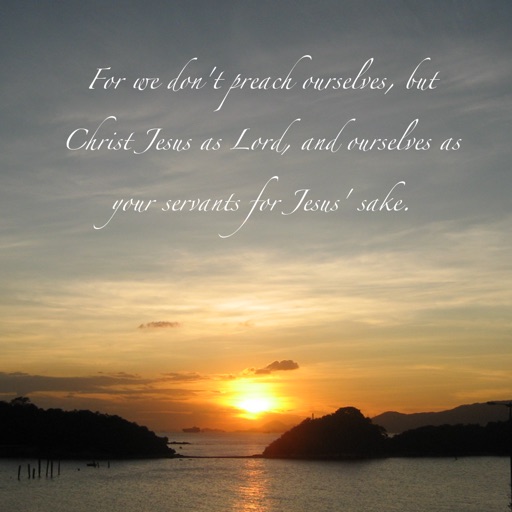
The app allows users to design custom backgrounds with Bible quotes using their own photos or built-in options. Users can select Bible verses, customize text, and share their creations.
Create widgets with photo, placeholder, emoji, text, date, or custom content. Choose from multiple layout types for medium and large widgets. Add transparent backgrounds with blur effect and optional borders.
Edit images with tools like Rect Select, Lasso, and Clone. Crop, adjust colors, add text, and apply effects. Use brushes, gradients, and erasers for detailed edits. Save and share edited files in various formats.
Edit photos with text layers, borders, matting, rounded corners, 3D bevels, and shadows. Adjust cropping ratios and apply internal and external shadows. Share edited photos directly to social media.
The app allows users to virtually paint walls on a photo using their finger. Users can experiment with different colors to see how they fit with interior design before actual painting.