Manage files with drag-and-drop, copy, paste, and folder creation. View documents, play audio/video, and edit text. Transfer files between devices and share via links or messages.
The app offers drawing tools, color options, and frame management for creating animations. Users can export animations to video or animated GIF formats and share them.
Customize lock screen and wallpaper with designs. Choose from free or premium backgrounds, add text, select fonts and colors, and adjust frame styles. Use personal photos or trending designs. Sync across devices.
Create and manage albums. Import and export from the photo . Preserve and view Exif data including date, ISO, and GPS. Search by caption or description. Create slideshows and play videos. Edit with cropping, orientation adjustments, and filters.
Customize Home Screen with and . Browse 20 theme categories for styles like Neon or Luxury. Preview on Home Screen before applying. Create custom by adding frames or photos. Apply and to personalize device appearance.
Edit videos with trimming, splitting, and cutting tools. Add transitions, text, and stickers. Apply filters and effects. Export in high quality. Share directly to social media platforms.
Create animations with drawing tools, color options, and frame management. Import images or draw directly. Export and share animations on Cineverse. View progress and refine frames for detailed editing.
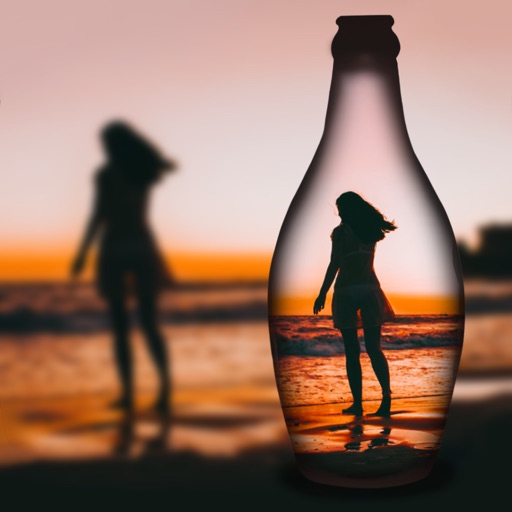
With filters, cropping, and adjustment tools. Apply beauty enhancements and double exposure effects. Use color splash and resize images. Access frames and story templates. Change resolution and export in multiple formats.
The app offers a range of editing tools including selection, text addition, and photo manipulation. It also provides file management features with options for organizing and exporting images.
The app allows users to select a photo and create a blurred frame effect instead of cropping. Users can adjust the blur and fade effects and save the modified photo to their gallery for sharing.