Edit photos using professionally crafted Lightroom . Apply filters, adjust colors, and enhance images for social media. Save and organize . Export edited photos for Instagram and other platforms.
Apply to photos for enhanced editing. Choose from 200+ across 20 packs including Blogger, Insta, and Vintage. Adjust tones, colors, and styles to match desired looks. Export edited photos for social media sharing.
Edit photos and videos with 1000+ across 80+ packs. Customize iOS icons and highlights for Instagram. Plan social media posts and apply filters to enhance content.
Apply Lightroom to enhance photos with one tap. Choose from packs like Golden Hour, Film Look, and Moody Days. Access new styles regularly to update photo edits.
Edit photos using 200+ professional and filters. Adjust exposure, contrast, and color balance. Crop and rotate images. Add text and borders. Export in various formats and share directly.
The app offers AI-powered photo and video editing tools. Users can enhance images, remove distractions, and adjust lighting with one-tap features and presets.
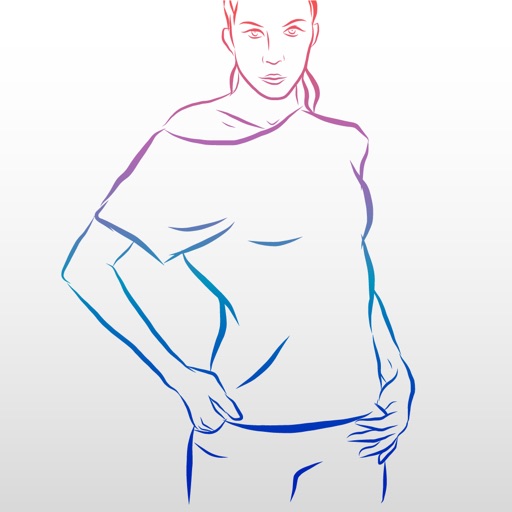
The app provides original photography records for posing references. It offers a comprehensive database with 500 exclusive poses for modeling tests and practical guidance on body posture and variations.
Create and save custom photo poses presets to streamline workflow. Apply presets to any shoot for consistent styling. Adjust pose parameters and export preset configurations for future use.
Capture photos with natural grain and film-like exposures without AI processing. Save images in Raw DNG format for editing in professional tools. Use Apple's ProRaw for high-quality capture. No editing features included.