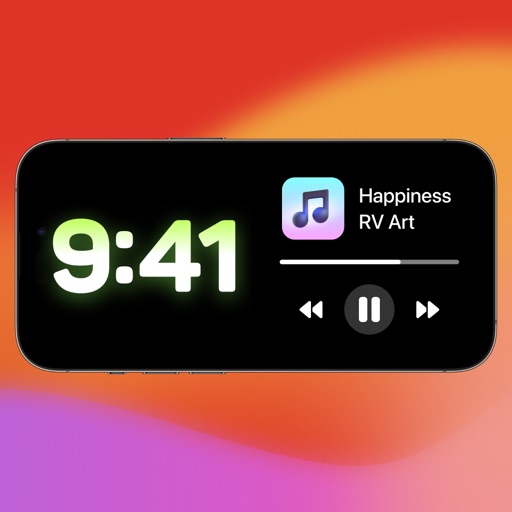
Customize home and lock screens with editable compatible with iOS 14, 15, and 16. Add widgets for time, clock, quotes, and countdowns. Apply depth effect wallpapers and update regularly.
by Data Science Press Limited★ 4.771 ratingsUtilitiesFreeData updated 2026-09-06
Add color widgets to your home screen with designs. Choose from hundreds of pre-made options or create your own. Edit colors, themes, backgrounds, and add personal photos. Apply changes instantly for a personalized look.
Create artworks and avatars using AI-generated images based on text prompts. Describe visual ideas to generate unique art instantly. Edit and customize generated images directly within the . Share finished artworks through built-in sharing options.
Customize mode with personalized widgets, icons, and themes. Set wallpapers, clocks, and weather displays. Choose from multiple themes and icon packs. Syncs with iOS 17+ for full functionality.
Create map-based wallpapers using curated landmarks and satellite imagery. Apply artistic filters to enhance visuals. Export wallpapers for iPhone or print as posters. Access a 3D landmarks widget that updates daily.
Manage TV functions including power, volume, channels, and inputs. Control smart TVs via Wi-Fi with quick setup. Use touchpad and keyboard for navigation. Access a clean interface for straightforward operation.
Take handwritten notes and type text directly on images. Write messages with your finger in the messenger. Dictate notes and convert speech to plain text. Schedule reminders. Secure notes with password, Face ID, or Touch ID.
Edit photos to fit as with adjustable sizing and parallax effects. Share photos with friends and family or upload pet photos. Apply filters and save edited images directly.
Customize lock screen with widgets for useful info. Add word of the day, daily countdown, battery status, custom text, and build custom widgets. Includes additional features for free.
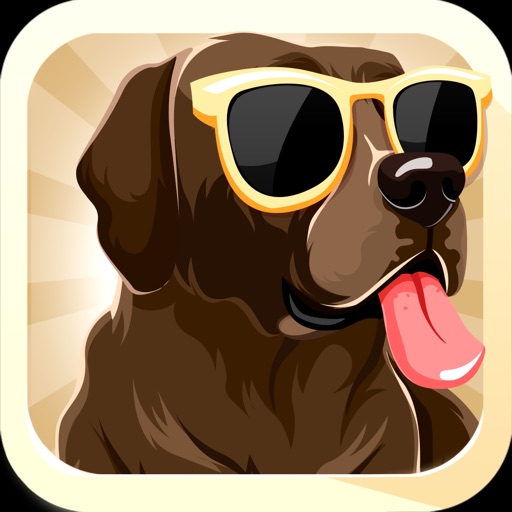
Download and set unique dog-designed wallpapers. Access high-resolution images optimized for all iOS devices. Receive regular updates with new dog breed designs.
Create hypnotic art by touching and swiping to generate waves of color and light. Explore particle effects and kaleidoscopes. Practice mindful breathing exercises to relax. Adjust music and lighting settings for a calming environment.
Customize Apple with particle designs, colors, and textures. Add personal photos and wallpapers. Preview designs in AR. Install images and animated directly to the . Edit and save face settings.
Lock photos and videos with password or biometric authentication. View files in fullscreen. Delete files during import. Share with other apps. Use a fake password. Access via private browser. Supports both orientations.
View live video feeds from anywhere using a smartphone. Communicate with family members through two-way audio. Receive motion detection alerts and review past recordings from SD card or cloud storage. Invite others to view live or recorded footage.
Measure lengths, areas, heights, and distances using on-screen tools. Use the protractor, unit converter, and for precise calculations. Check light levels, calibrate screens, and measure decibels.
AN HAI DONG MUSHROOM CULTIVATION AND BREEDING COOPERATIVE
Open apps with one tap
Open apps and access key functions directly from the home screen or lock screen. Launch Store, Calendar, Health, iBooks, Email, Maps, Music, Notes, Facebook, and Google with a swipe or tap.
Record using the microphone and stop recording by releasing the hold. Apply various effects like woman, robot, or echo. Adjust video playback speed and add effects to videos. Export as audio or video files in HD resolution.
Customize lock screen and home screen with vibrant themes. Choose from multiple theme styles including dark and pastel options. Install and apply themes to enhance device appearance.