Create and customize digital artwork with a wide range of colors and brushes. Choose from pre-designed pages or upload personal images for . Switch to dark mode to reduce screen strain. Save and share completed drawings.
Images using -based coloring. Select colors and fill in numbered sections. Save and share completed designs. Access a library of fashion-themed puzzles. Adjust brush size and opacity for detailed work.
Create custom cards with seasonal templates. Choose from 100+ designs. Use 10 paint brushes and 50 texture brushes. Select colors with an easy picker. Zoom in/out on small blocks. Record coloring sessions as animations.
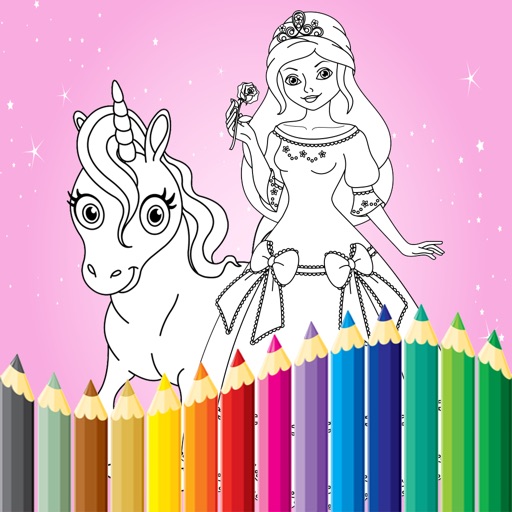
The app provides a virtual coloring and painting book with 20 princess-themed pages. Children can color existing images or draw their own creations using various tools.
Create digital art using tools like paper, brushes, pencils, pens, and markers. Adjust brush pressure and opacity. Layer artwork and apply textures. Export in various formats and share directly.
Draw and with customizable brushes and layers. Edit images with adjustment tools and filters. Import and export files in various formats. Use gesture controls for quick navigation and editing.
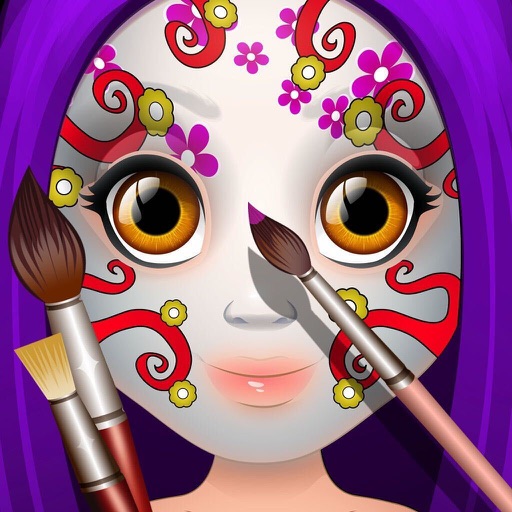
Create paintings by selecting colors or designs, then applying them to a character's with a finger. Choose from sparkly, gold, and silver paints. Customize characters and save or share creations.