Transcribe+ allows users to isolate vocals, drums, bass, and other instruments using on-device AI. Adjust and pitch with swipe gestures. Pause and drag the waveform to listen to specific sections.
Match tempos to pace using BPM. Create interval workouts with custom playlists. Sync with apps to track progress. Control playback during runs. Adjust volume and repeat songs. Share workout sessions with friends.
Set tempo with keypad or slide pendulum for 20 to 999 BPM. Choose time signatures from 2/1 up to 9/8. Adjust beat subdivisions. Start, stop, and reset the . Sync with Apple Health for workout tracking.
Set beats per minute and choose tempo. Start, stop, or reset the . Adjust sound volume and select different beat sounds. Practice timing with visual cues and audio feedback.
Adjust and with precise timing. Practice exercises and track progress. Play BIRD BEAT game to memorize rhythms. Set custom beats and use visual indicators. Sync with devices for consistent timing.
The app manages song collections with lyrics and chords for musicians. It offers features like chord variants, transposition, auto-scrolling, and metronome support.
With an 88-key virtual keyboard. Switch between single-row, double-row, and double-player modes. Use multitouch and force touch for responsive input. Adjust keyboard width.
Create and play with real recordings. Copy to DAWs like Garageband or Cubasis. Use Audiobus and Inter Audio for integration. Sync with DAW tempo. Includes live performances and high-quality microphone recordings.
Set with a that runs in device lock mode. Adjust beats per minute and select time signatures. Track rhythms with the included Tracker Module. Export audio clips and share via social media or email.
Set tempo from 1 to 900 per minute. Subdivide with up to 16 clicks for precise timing. Practice rhythms with a drum machine. Use as a for music or other activities. Adjust sound settings and sync with devices.
Measure heart rate and music beats with precision to the first decimal. Record BPM values with notes. Use a metronome to count beats per minute. Sync data for tracking and analysis.
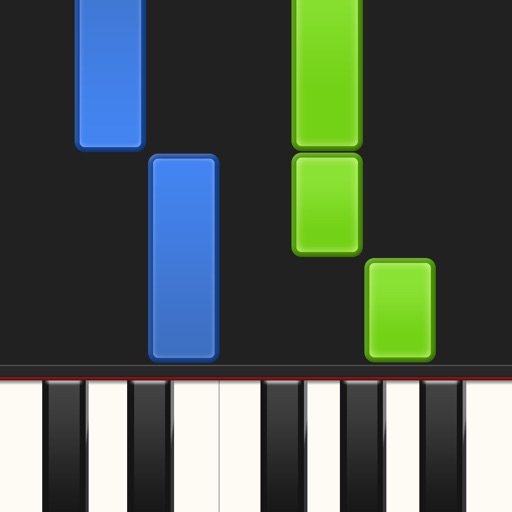
Learn piano by playing falling notes on touchscreen or connected keyboard. Practice melodies with real-time note feedback. Play left or right hand separately. Sync with lighted keyboards. View sheet music or falling note blocks.
Practice+ offers tuning, , recording, setlist, and loop modes for musicians. Users can control the with a visible bar. Features include simultaneous mode usage, audio recording, and setlist management for practice and performance.
Create beats using high-quality samples from famous songs. Add effects like delay and reverb. Use a metronome to maintain rhythm. Record beats for sharing. Customize the interface with various themes. No in- purchases required.
Play rhythm with adjustable tempo and beat patterns. Record audio sessions. Use chromatic tuner for pitch accuracy. Create loops and setlists. Control pitch and metronome functions simultaneously. Export recordings. Sync with music apps.
Adjust and beat precise control. Set custom patterns and rhythms. Sync external devices via MIDI. Record and playback sessions. Export audio files for later use.
Access chord , lead sheets, vocal sheets, and lyrics for worship songs. Create and share set lists with band members. Add songs, adjust keys and tempos using SongSelect. Take notes and sync annotations to the cloud.
Program and customize beats with downbeats, upbeats, and subdivisions. View visual timelines for precise tracking. Set accurate timing with 0.00002-second precision. Export and share rhythmic patterns.