Apps Like Night Vision Camera: Dark Mode for iPhone and iPad
Capture low-light scenes with infrared and thermal
Take photos in low light using three modes. Capture infrared, X-ray, and thermal effects. Zoom in with binoculars and apply temperature effects. Adjust settings for optimal visibility in environments.
by APPAS SOLUTIONS, SOCIETATEA CU RASPUNDERE LIMITATA★ 4.3100 ratingsPhoto & Video$2.99Data updated 2026-10-04
Capture photos with light-field technology for DSLR-like quality. Adjust focus and aperture post-shoot. Create 3D lighting effects. Edit bokeh and make unlimited adjustments. Sync with other devices for seamless workflow.
Edit photos with analog filters and real-time presets. Adjust brightness, contrast, and saturation. Add text, stickers, and borders. Share directly or save in multiple formats. Apply retro styles for nostalgic effects.
Use AI to capture long exposure photos. Remove crowds, create light trails, and enhance waterfalls. Adjust exposure settings automatically. Preview and edit images with advanced tools. Share final photos directly.
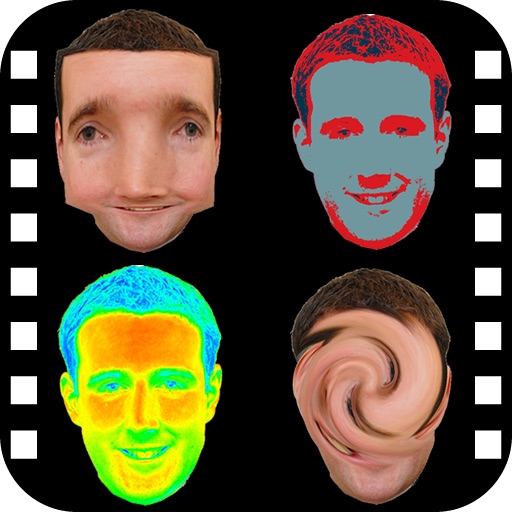
The app provides a photo editing experience with numerous effects. Users can select a picture and apply various filters like Night Vision, Heat Cam, Ripple, and Alien.
Capture photos and videos directly or from your library. Apply handcrafted color presets for rich contrast and character. Add unique film grain and texture generated on-device. Use effects like light leaks, bloom, and threshold for custom edits.
Capture motion blur and light trails using speed settings. Adjust exposure time, ISO, and focus manually. Import photos and apply creative effects. Share images directly from the .
Use front camera as a source with adjustable brightness. Zoom in during video calls or recordings. Set a timer to turn off the automatically. Adjust settings for brightness and duration.
Monitor with live video streaming and instant intruder alerts. Use walkie-talkie features to communicate remotely. Access unlimited cloud storage for video footage, sharing, and playback.
Capture sky photos with AI-enhanced low-light imaging. Adjust exposure, focus, and composition manually. Save and share high-resolution images. Sync with cloud storage for backup.
Use infrared and to view in dark environments. Enable Face ID for access. requires compatible hardware. Navigate using visual aids. Adjust settings for optimal visibility.
Take portrait selfies with front and rear camera switching via tap or shake. Use night mode for low-light shots. Auto mirror and timer functions available. Create grid collages with 1:1 and 4:3 layouts using 1 to 9 grids.
Detects humanoid bodies and homogeneous shapes using depth sensor data. Identifies people and object-shaped forms with accuracy comparable to Kinect SLS cameras. Works with Apple LiDAR-equipped devices for improved visibility in low light.
Turn your iPhone into a imaging tool. Apply real-time -style filters to photos and videos. Learn about and low-light technology through visual guides. Discover practical use cases like wildlife photography and safety demonstrations.
Take photos with front- and rear-facing cameras. Apply real-time effects like Twirl, Light Tunnel, X-Ray, Squeeze, and Kaleidoscope. Share photos via AirDrop, Mail, Messages, iCloud, or social networks.
Capture moments with filters and cinematic effects
Capture photos with full manual controls over shutter speed, ISO, and white balance. Apply 35mm filters inspired by Kodak, Fuji, and Agfa. Use cinematic effects to enhance images and preserve memories as -style photographs.
The app transforms an iPhone or iPad into a full-screen lighted magnifying glass. It offers features like light level control, image capture, and auto-focus lock.