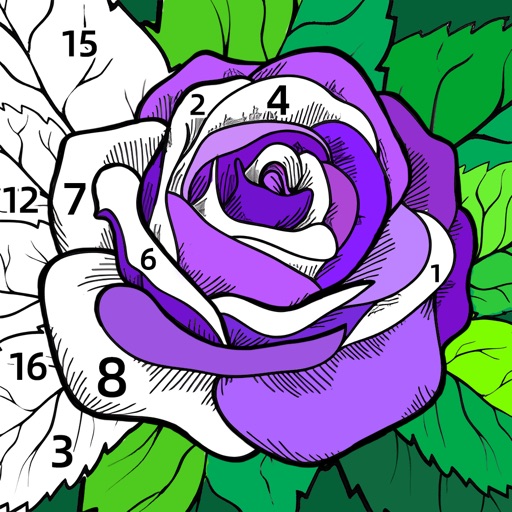
Create and two-dimensional art by selecting colors and filling numbered areas. Save progress automatically and share completed artwork with friends. Draw freely to relax and express creativity.
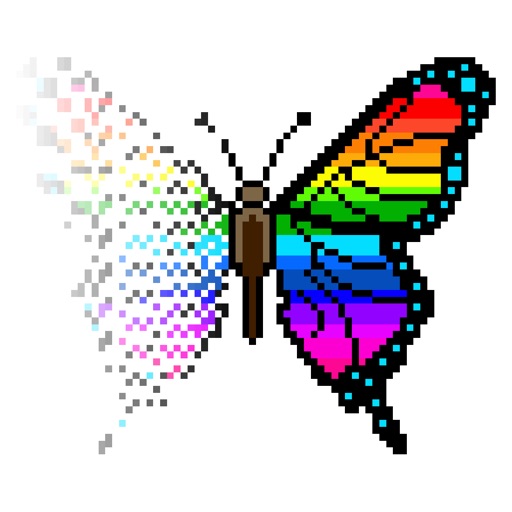
Place colorful beads on a grid and iron them to melt and complete . Create patterns by arranging beads and applying heat. Track progress and complete puzzles to improve focus and relaxation.
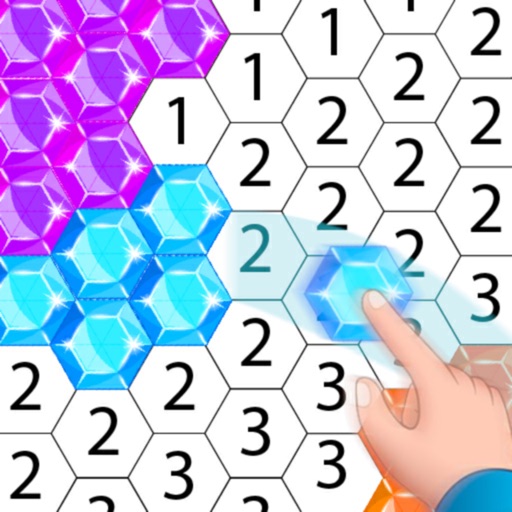
Create artwork using , gem, flower, and other materials. Select images from various categories and follow numbered steps to complete drawings. Customize colors and save creations. Share finished pieces with others.
Color and relax with art pages and custom photos. Use paint bucket and tooltip tools for efficient coloring. Share time-lapse creations with friends. View a wide variety of images to color. Import personal photos from camera or library.
Explore art history with 140 paintings by renowned artists. View immersive slide shows and click images to identify artists. Browse a database to access detailed information about artworks and artists. Take quizzes to test and enhance art knowledge.
Clean and customize vehicles including sports cars, school buses, and airplanes. Remove scratches and dents, clean interiors, and tidy exteriors. Paint and change vehicle appearances.
Create dynamic sandscapes by painting and dragging to shape particles. Watch flow, stack, and interact with walls and fluids. Customize colors and experiment with different particle behaviors. Share creations directly.
The app presents photos of art masterpieces and requires users to identify the artist. It includes over 450 artworks spanning various centuries and art movements.
Paint faces using a variety of color palettes and trendy art styles. Select from numerous characters to customize. Apply paint to create detailed facial designs and save or share the results.
Create art using a variety of painting tools. Select and customize pre-designed paintings. Cut artwork from cardboard templates, add colors, and save as stickers for sharing.
Create art by selecting colors from a palette and applying them to numbered cells. Swipe over cells with the same number to color faster. Use Color Splash to fill surrounding areas and Magic Wand to color adjacent cells of the same number.