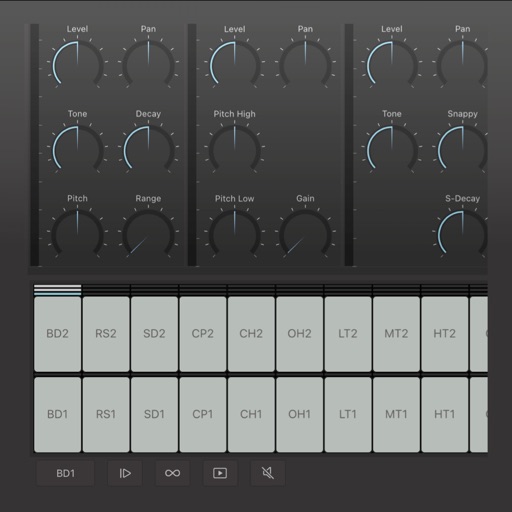
Create and edit complex rhythmic patterns with independent sequence lengths for each drum voice. Generate polyrhythms and polymeters. Export sequences for use in AUv3 hosts or external drum machines.
by Corne Driesprong★ 4.520 ratingsMusic$7.99Data updated 2026-10-24
Create and edit patterns with polyrhythmic tracks. Add bass and lead synths. Use audio unit support and new FX modules. Import and export projects. Playback and record loops. Retain compatibility with DM1 song files.
Create and manage drum kits by importing professionally recorded samples. Trigger samples via MIDI or built-in pattern editor. Sync tempo with DAW. Edit and sequence drum patterns. Build and organize custom drum kits.
Create and edit music using a modular synthesizer with a pattern-based sequencer. Import XM and MOD files. Record audio via microphone or line input. Export multitrack WAV files. Support 16/24/32bit audio formats and MIDI input/output.
Create and arrange musical sequences using multiple playheads. Manipulate melody speed, direction, and pitch. Apply Baroque and Serialism composition techniques. Export and share projects in audio format.
Create and record music using Touch Instruments and a full-featured studio. Play virtual keyboards, guitars, and drums with Multi-Touch gestures. Use Live Loops to create beats. Plug in instruments for real-time effects.
Create and edit drum patterns using 27 drum voices. Apply effects like delay, chorus, and reverb. Automate parameters and sequence 16-bar patterns. Save and load project files for later editing.
Create deep, customizable sounds with adjustable waveform and filter settings. Use as a standalone or plugin. Run multiple instances for layered sound design. Adjust sub- frequency and resonance for precise tone control.
Create and sequence musical patterns using a 32-step matrix. nd manipulate synth sounds with generative features. Connect via MIDI to external synthesizers for real-time control and sound shaping. Adjust parameters to customize tones and rhythms.
Create and sequence music using 4 sound channels with 3 tone channels and 1 for drums and noise. Adjust audio parameters like pan, amplitude envelope, vibrato, and pitch glide. Add ring modulation, FM synthesis, and a resonant filter.
The app provides the visuals and sounds from the Nine Inch Nails song “Echoplex” as performed during the “Lights In The Sky” tour. Users can recreate the drum line and use the application as a music instrument.
Create patterns using rhythm presets or custom sequences. Adjust timing and velocity parameters. Emulate vintage 808 hardware with AU3 Audio Unit support. Control tempo and playback options. Save and load user-defined kits.
View and playback guitar, bass, and drum with realistic playback. Access unlimited learning features like speed control, looping, soloing, muting, and pitch shifting with a subscription. Export and share chord progressions.
Create and customize drum patterns using synthesis models. Adjust parameters like pitch, timing, and velocity. Layer multiple drum sounds. Export projects and share files. Sync with MIDI devices.