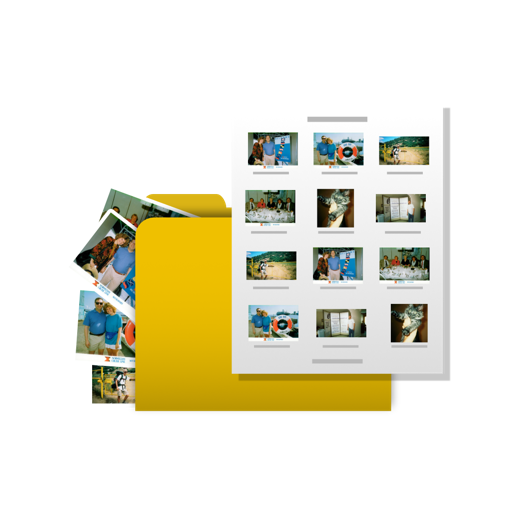
Convert PDF files to images (JPG/PNG) and text (TXT/Word) with one-click processing. Extract text from images or scanned documents using OCR, supporting multiple languages. Preview PDF, image, and text files in a single interface.
The app allows users to print photos from their iPhone or iPad. Users can select an image, choose a layout, and scale or crop it to fit multiple A4 pages for poster creation.
GLOBILE BILISIM BILGISAYAR HIZMETLERI ILETISIM DANISMANLIK SANAYI TICARET LIMITED SIRKETI
Store files, view documents, transfer photos
Store, view, and manage documents on iPhone, iPad, or iPod Touch. Access photo library from PC or Mac via Wi-Fi for batch downloads. Upload photos from PC to device via Wi-Fi. Transfer files between devices without needing iTunes.
Files between DOCX, XLSX, PPTX, and photos to PDF. Create PDFs from various sources. Edit and annotate PDFs. Export files in multiple formats. Share converted documents directly.
Convert images to multiple formats including JPG, PNG, HEIC, WebP, TIFF, PDF, AVIF, and GIF. Select files from your library and preview converted images before saving or sharing. Batch process images for efficient format conversion.