Apps Like Collage Maker: Layout & Avatar for iPhone and iPad
Create collages and share instantly
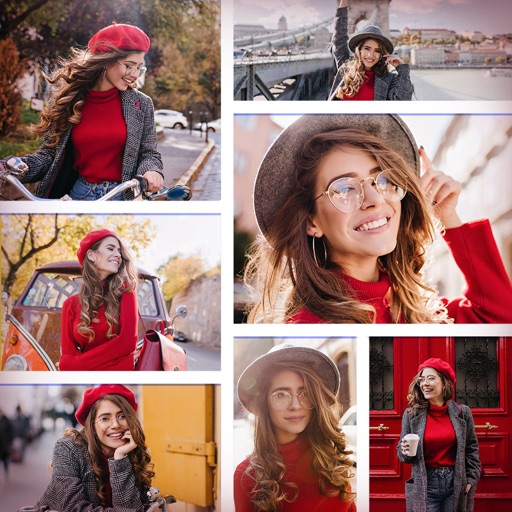
Create photo collages using 20,000+ layouts and frames. Combine up to 16 photos in customizable grids or freestyle arrangements. Add text with 1,000+ font styles. Edit layouts, adjust frames, and export collages.
by LIKERY PTE. LTD.★ 4.9118 ratingsPhoto & VideoFreeData updated 2026-09-06
The app allows users to create photo collages from their pictures and share them on social media. Users can select from 52 layouts and customize them with various frame shapes and color palettes.
Take selfies with a live beauty and apply custom filters. Create collages in 18 styles with masks and frames. Add spiral or neon effects to photos. Enhance and save library images. Capture selfies with a timer.
Create photo collages using over 200 frames. Select from photo frames or frames in the main menu. Edit photos with cropping, filters, and text. Combine multiple images into a collage. Record and edit videos. Add text and stickers to videos.
Create collages by combining multiple photos and videos. Choose from , poster, or editor modes. Adjust layouts, add effects, and stitch content together. Edit images with filters, cropping, and text overlays.
Create collages using free backgrounds, stickers, and fonts. Add text and images. Save collages to device or print. No account or social sharing required. Suitable for classroom and children use.
Create collages by adding photos and selecting aspect ratios. Choose landscape or portrait orientation. Add text to the collage. Shuffle for new layouts. Adjust design elements for customized results.
Create collages with single or multiple photos, up to 14 images. Add , backgrounds, and drawings. Share collages on Facebook, Instagram, Twitter, WhatsApp, and other platforms. Edit photos with basic tools and apply templates.
Create clouds by selecting color themes, fonts, and layouts. Choose from six layouts including horizontal, vertical, and half and half. Input text to generate clouds where common words appear larger.
The app functions as an AI slideshow maker, video template maker, and photo video maker. It allows users to turn photos into various video formats with music, utilizing over 1000 templates for different occasions.
Create and Instagram carousels with customizable templates and drag-and-drop editing. Add text, stickers, and filters. Export and share directly to social media. Adjust layout for seamless swipe-through viewing.
Create collages by arranging and editing images. Crop and resize photos, add text, and adjust layouts. Make 3D rotating videos, set backgrounds, add text, edit audio, and reuse clips. Share finished projects directly.