Calculate with a that supports basic and advanced functions. View calculation history for reference. Copy results to clipboard for quick use. Use split view for multitasking on iPad.
by Przemyslaw Skowronek★ 4.6194 ratingsUtilitiesFreeData updated 2026-10-19
Calculate exposure times using ND filters. Determine optimal ND filter combinations. Adjust aperture, shutter speed, and ISO settings. Provide real-time calculations for long exposure photography. Sync with camera apps for accurate settings.
Compose prompts, categorize, and copy to clipboard
AI manager allows users to create, organize, and copy prompts to the clipboard for quick AI use. Features include categorization, import/export via CSV files with 'title' and 'content' columns, and library sharing.
Enter coefficients a, b, and c to factor quadratic trinomials into binomials. Store calculation history and view detailed step-by-step solutions. Support positive and negative numbers, including decimals. Share final results. No advertisements.
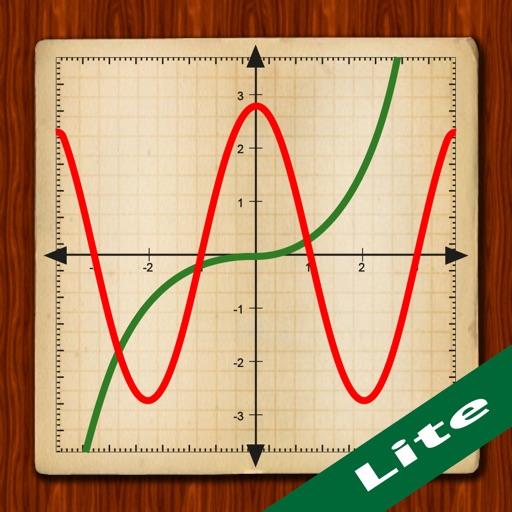
Scientific calculator with powerful graphing functions.
The app provides a scientific calculator with a history tape and graphing capabilities for up to four functions. Users can zoom, pan, and trace graphs, and view function values in a table.
Provides tools for calculating area, moment of inertia, distance from axis, radius of gyration, and section modulus for rectangular and square beams. Supports metric and imperial units.
Count up or down in increments of 1, 10, or 100 with a single tap. Perform complex calculations using the built-in calculator. Track counts and view history for accuracy and reference.
Customize calculators for precise calculations. Create function calculators using AI-generated JavaScript code. Add functions to the list and test them before use. Perform complex computations with formulas.
Type on iPhone or iPad keyboards and send text to Apple Pro. Copy text to clipboard directly. Support for 130+ languages. Save and reuse frequently typed snippets. Connect multiple devices. One-time purchase for all devices.
Take a photo of a receipt and scan items automatically. Select items and assign them to people. Calculate each person's share including taxes and tips. Share the details directly.
Calculator offers advanced functions including exponents, logs, and sinus operations. Swiping accesses different function categories. Large buttons for easy input. Landscape view reveals additional functions. Balloon help provides guidance.
Perform basic arithmetic operations, percentage calculations, and unit conversions. Switch between standard and engineering modes for advanced scientific functions. Adjust display settings and access history for repeated calculations.
Calculate tips and split bills accurately. Scan receipts to extract total amounts. Divide costs among multiple people. Choose preset tip percentages or set custom amounts. Save and review past calculations.