Calculate with a that supports basic and advanced functions. View calculation history for reference. Copy results to clipboard for quick use. Use split view for multitasking on iPad.
by Przemyslaw Skowronek★ 4.6194 ratingsUtilitiesFreeData updated 2026-10-19
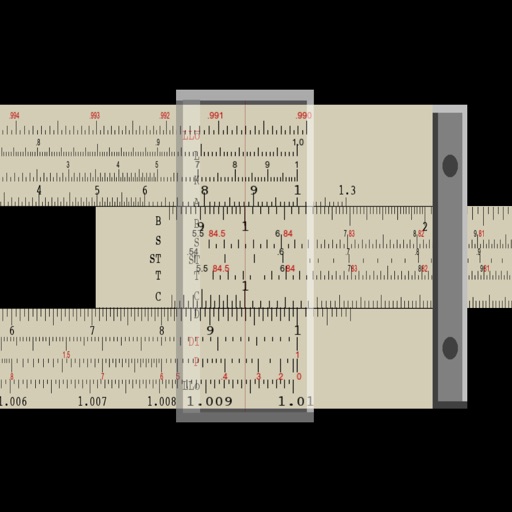
Perform multiplication, division, logarithmic, and trigonometric calculations using a slide rule interface. Adjust scales for precise measurements. Manual operation requires sliding components to compute results.
The app provides a guideline for landscape design, project supplies, measurements, and calculations. It includes variables for soil, plants, dripline placement, irrigated area, pressure, flow rate, and emitter spacing.
Perform basic arithmetic operations including addition, subtraction, multiplication, and division. Access scientific functions for advanced calculations. Input data directly for quick results. Store and recall previous calculations.
Count characters, words, sentences, and paragraphs with precision. Detect duplicate words and sentences within text. Duplicate detection helps identify repeated content. Export text and copy results directly.
Bills by scanning receipts to extract details like merchant, items, prices, tax, tip, and fees. Manually enter items if needed. Assign items to friends by name without sign-ups. Calculate splits automatically and share results.
The app automatically records clipboard content upon opening. It offers history management with delete, deduplication, and copy functions, along with options to export or share records.
Calculate differences by selecting start and end dates or entering them directly. Display results in years, months, days, hours, minutes, and seconds. Add time intervals to a start to determine a new .
Edit CSV and TSV files with automatic format detection. Modify cells, add rows and columns, and save changes instantly. Handles improperly formatted files. All operations occur locally on the device without data transmission.
Set tempo by typing, adjusting dial, or tapping. Use audible, visual, or combined modes. Track beats with precision. Adjust timing settings. Sync with Apple Health for workout tracking.
The app displays built-in device sensor values including acceleration, heading, pressure, position, altitude, and speed. It also retrieves location name and elevation from GeoNames, and local weather data from World Weather Online.
Scan QR codes and barcodes instantly using the camera. Save scan history and copy shared URLs or text. Share scanned content easily. Use light mode for better visibility in dark areas. Function without an internet connection.