Edit photos with splash effects, convert images to black and white, or apply custom colors. Add filters, zoom in on photos, and use a brush tool. Export and share edited images directly.
AR measuring lets users tap two points on the camera screen to measure object lengths. Auto convert button changes units. performs basic math functions.
Control your remotely via Bluetooth. Adjust settings, trigger shutter, and manage focus. Access advanced features like interval shooting and custom modes. View live previews and review photos directly from the .
Access real-time times for all MTA bus routes. Search for nearby stops and view accurate predictions. Plan trips efficiently to optimize commuting. View route maps and schedules. Receive notifications about delays or changes.
Track counts by tapping or holding the up button. Save progress and view daily, weekly, monthly, and yearly totals. Night Owl Mode prompts selection of the day for pushups done past midnight.
Apply image filters with four themes and 41 options including bright, warm, magenta, and cyan. Adjust manual controls for lens focus, exposure, shutter speed, ISO, and white balance.
Edit and customize desktop with drag-and-drop functionality. Choose from various widget types and styles. Enable black-and-white mode. Add personalized to desktop for a tailored interface. Sync across devices.
Scan documents to PDF with adjustable contrast and brightness settings. Redact sections of scans and add signatures. Highlight areas with markers. Save files as PDF or images. Organize documents in folders.
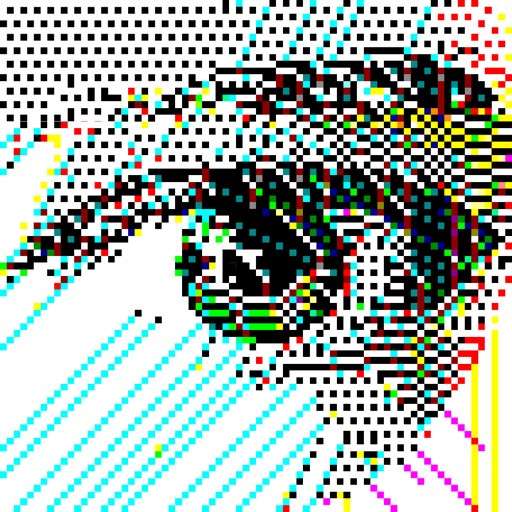
Convert images to vintage color palettes of old computers like IBM PC, Apple II, or Game Boy. Apply dithering methods including Floyd-Steinberg, Atkinson, and Bayer. Share edited images with others.