The app transforms an iPhone and iPad into a premium sampler and synthesizer for music production. It offers a dual-layer rompler engine and a touch-optimized workflow for creating studio-quality music anywhere.
Practice music with a simulated band that provides real-time accompaniment. Create and save chord charts for favorite songs. Track progress with built-in exercises and feedback. Sync with Apple Health to log practice sessions.
Learn with strummable fingerings for all keys and types. Choose from multiple tunings for soprano, tenor, concert, and baritone ukuleles. Access expert chord suggestions and complete chord diagrams.
Allows guitarists to control MIDI instruments and loops using a guitar-mounted controller. It enables playing synthesized sounds, arpeggiated patterns, and layered instruments. Users can record and playback audio files triggered by guitar notes.
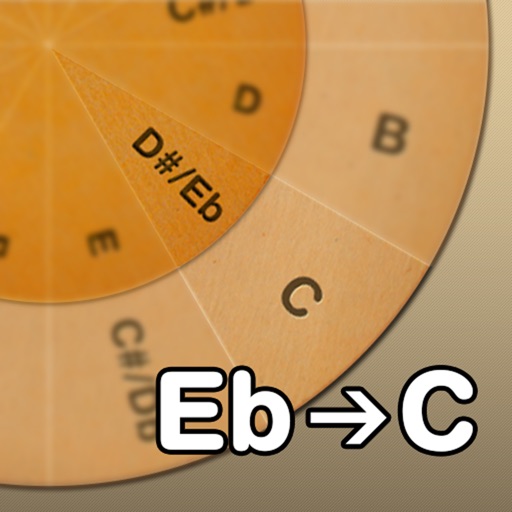
Adjust musical keys by rotating wheels to match original and target keys. Transpose chords for guitar players using capo positions. Modify song pitch to suit vocal range or instrument tuning.
Access songs by artist, category, or lyrics. View chords for 2000+ songs in Hindi, English, and Marathi. Transpose song scales. Bookmark favorite tracks. Auto-scroll for guitar or piano playback. Search by chord progressions. No ads or popups.
Create and share musical ideas with built-in synthesizers and a drum machine. Build drum loops using pattern pads, sketch bass lines, chord progressions, and melodies. Use 4 audio channels for drum machine, bass, chords, and lead. Input is automated.
Learn and practice , ukulele, bass, and drum and . Access over a million songs offline. Browse history, autoscroll, transpose , and view diagrams with multiple variations. Create and save custom songs. Print and share .
With an 88-key virtual keyboard. Switch between single-row, double-row, and double-player modes. Use multitouch and force touch for responsive input. Adjust keyboard width.
To improve timing, rhythm, and coordination. Perform strumming, plucking, and string striking techniques. Follow dynamic on-screen hints to guide gameplay. Track progress through game modes and skill levels.
Learn piano, guitar, or ukulele and through interactive exercises. Practice with a MIDI keyboard or recognize notes by ear using a microphone. Track progress on , , and . View detailed explanations of musical concepts.
Explore with chord and scale references. Identify and analyze chords. Create and edit MIDI files. Use AUv3 plugins for sound synthesis and composition. View detailed scale information and interval relationships.