Connect and configure devices for clear audio. Download firmware updates via OTA. Use built-in PDF scanner to convert documents. Manage device settings and audio preferences.
by Power Mobile Life LLC★ 4.296 ratingsUtilitiesFreeData updated 2026-10-16
Convert paper documents to PDFs by scanning with your phone's camera. Adjust brightness and contrast for clear results. Save and share PDFs directly or email them. Edit text and add annotations to scanned files.
Connect to EBPower motor controllers and TechTool devices for calibration and diagnostics. Apply firmware updates, adjust settings, and inspect diagnostic data. Tune motor profiles and modify battery timeout parameters.
Manage and monitor network devices and connected clients remotely. Scan QR codes to register devices and assign them to sites. View device status, configure settings, and track inventory.
Scan event tickets using QR code readers on mobile devices. Attendees display tickets from phones or printed materials. Real-time updates sync attendee lists to a box office dashboard for event management.
Scan documents, receipts, passports, business cards, and handwritten notes with instant edge detection and automatic straightening. Adjust brightness and contrast for HD scans. Export as PDF and share files directly.
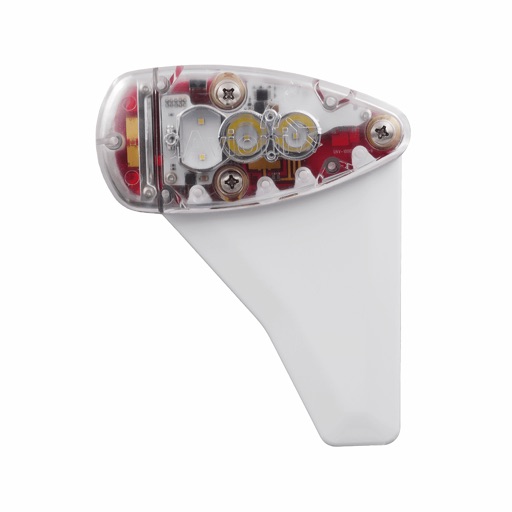
Monitor, install, and configure ADS-B devices. View device status, update firmware, and manage settings. Track aircraft position and receive alerts. Sync with compatible hardware for real-time data.
View and navigate PDF, Word, Excel, and other document formats. Edit text, add comments, and annotate pages. Convert between document types and export in multiple formats. Organize and share files directly from the .
Scan QR codes and barcodes to access URLs, connect to Wi-Fi, and retrieve product information. Share scanned data via email or messaging. Customize settings to adjust scan preferences and notification options.
Control lighting devices remotely from any location. Manage multiple devices simultaneously. Set timers for scheduled actions. Share devices with family members with a single tap. Connect devices to the quickly and easily.
Control vehicle functions like locking, unlocking, and ignition remotely. Access over-the-air updates and diagnostics. Connect to the Fisker Ocean cloud for software management and customer support.
Manage venue entry with ticket sales and scanning tools. Sell and process tickets for general admission and reserved seating events. Integrate with credit card readers and tap-to-pay devices for contactless payments. Sync with for event management.
Capture images of documents, articles, or handwritten notes. Use OCR to extract editable . Save or copy extracted . Share results via email or messaging. Highlight and annotate scanned . Sync with cloud storage services.
Control home appliances remotely from anywhere. Add and manage multiple devices within the . Use voice commands with Amazon Echo and Google Assistant. Automatically adjust device settings based on temperature, location, and time.
Manage home or office telephony remotely. Join audio and video conferences. Make and receive calls via WiFi or mobile networks using a landline number. Transfer calls between devices without disconnecting. Add video to calls during a session.
Use device vibrations for intense sensations. Control external devices like "Love Spouse" and "Lovense" with settings. Manage devices remotely from any location. Adjust intensity and patterns. Connect and operate devices wirelessly.
Monitor and configure devices with real-time status updates, firmware updates, and settings adjustments. Install and manage hardware through the , compatible with echoUAT and Vektor devices.