Flyover 360° allows users to select locations on a map, take off, and view 360° aerial perspectives. It enables flight plan preparation for drone operations. The connects to via iPhone, offering real-time control through a joystick interface.
Pic allows users to divide their camera view into sections using various free layouts. They can take photos or import images from the Camera Roll and arrange them in different orders.
In 4K with adjustable settings. Stream to Twitch, YouTube, and Facebook via RTMP. Edit videos, add audio and text, convert to GIFs. Capture dual camera input and create facecam reaction videos.
Control DJI drones with real-time FPV flight using VR headsets. Adjust camera settings, record video, and view live feeds. Manage flight paths, monitor battery life, and stream footage directly.
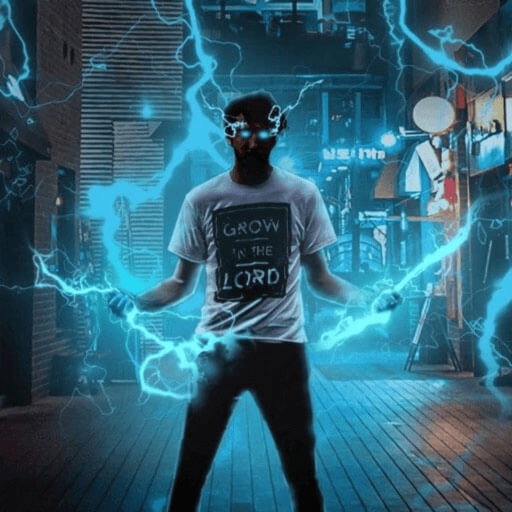
Record and edit videos with visual and templates. Add elements like dragons, magic circles, and space scenes. Include such as fire, laser, and lightning. Export and share edited videos directly.
Control drone flights with automated missions, semi-automated workflows, and manual controls. Set waypoints, orbits, and vertical mapping. Preview missions in 3D. Support for DJI and Autel drones.
Record video with face auto-tracking and automatic face recognition. Support single, duo, and multiple people recognition for auto-shooting. Enable 180 and 360-degree panorama with one tap. Connect via Bluetooth to stabilizing gimbals.
Fly drones by tossing them into the air. Perform aerial stunts with on-screen controls. Record 720p HD video. Complete missions with AI assistance. Track flight data and adjust settings. View live video feed and control movement.