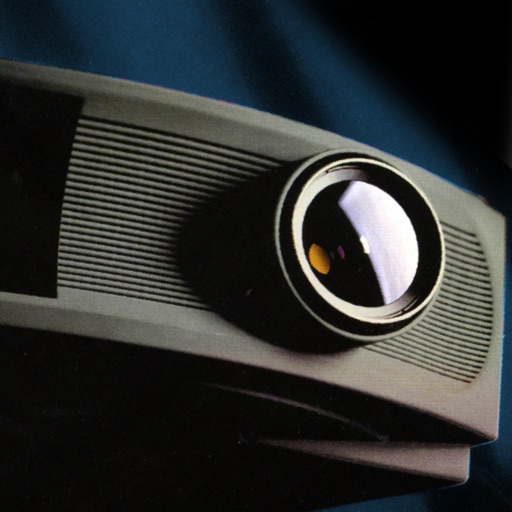
The app controls PJLink enabled video projectors and displays on a network. It allows users to turn projectors on and off, mute audio, shut images, switch input sources, and retrieve projector status information.
Control devices with touchpad, keyboard, and buttons
Control smart projector or soundbar using touchpad, virtual keyboard, and function buttons. Adjust settings, navigate menus, and manage device functions directly from the .
Share workspace with students using screen mirroring on Zoom, Google Meet, and Microsoft Teams. Capture and display documents, whiteboard notes, or physical objects. Adjust brightness, contrast, and focus. Annotate live video feeds.
Control devices such as TVs, AV receivers, and smart home systems via IP or IR. Customize layouts and create macros for multi-device control. Integrate with brands like Samsung, Philips, Yamaha, and Philips Hue.
TVs and connected devices with a single . Adjust volume, change channels, and navigate menus. Access on-screen keyboard for input. Pair with Bluetooth devices. Manage playback and settings remotely.
Mirror device screen and output audio to a supported projector. Project photos from the Photos , documents within the , and real-time camera video. Connect by scanning a projected code.
The app helps users determine if a projector and screen will fit a space. It provides access to projector throw distance specifications from the ProjectorCentral database.
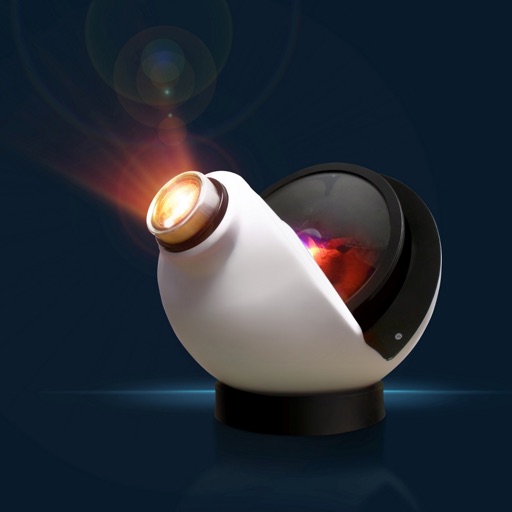
The app allows users to remotely control the Opti Aura projector from an iOS device. It can be used to set a timer and switch the projector On/Off, controlling up to five projectors.
Smart TVs, streaming boxes, and media players with a single . Navigate channels, adjust volume, and launch apps like Netflix or YouTube directly. Manage device settings and pair multiple remotes.
Control devices from major TV brands using a smartphone or tablet. Manage power on/off, navigate with touchpad and D-pad, use keyboard input, control TV apps, manage media players, adjust sound settings, and access a numpad for TV channel input.
Control your TV remotely from your iPhone. Adjust volume, navigate menus, and select channels. Supports Samsung, LG, Sony, and other brands. Connect via Wi-Fi, auto-detects TV, and requires confirmation on the TV screen.
Control TVs from Samsung, LG, Roku, and Sony. Adjust volume, change channels, and navigate menus. Launch favorite apps and manage playback. Support for models from 2012 to present. Replace physical remote with -based commands.
TVs with iPhone or iPad as a . Support Apple TV, Roku, WebOS, Tizen, and more. Auto detect TV and access all commands. Change volume, switch channels, navigate, power off, and access menu or info. Works with 100+ TV brands.
Calculate projector lens and distance based on screen size or determine screen size from distance and lens. Access detailed product specifications for Barco, Christie, Panasonic, Sanyo, and Projection Design projectors.
TV functions with button layouts matching popular brands. Adjust volume, channel, and input settings. Manage smart home devices via integrated controls. View device status and receive notifications. Switch between multiple devices and profiles.
Your Smart TV with volume adjustment, input switching, and channel navigation. Access a universal interface compatible with all major TV brands. Manage playback, power settings, and system menus directly from your smartphone.
Control Smart TV functions using a phone. Access buttons for power, volume, and channel navigation. Support for LG, Roku, Samsung, Sony, and Philips models. Pair with TV via infrared or network connection.
Streaming devices with one . Manage Roku players, Roku TVs, Fire TV, Fire TV Stick, and Fire TV Cube. Automatically detect and pair with compatible devices. Switch between devices in different rooms. Adjust volume and navigate menus remotely.