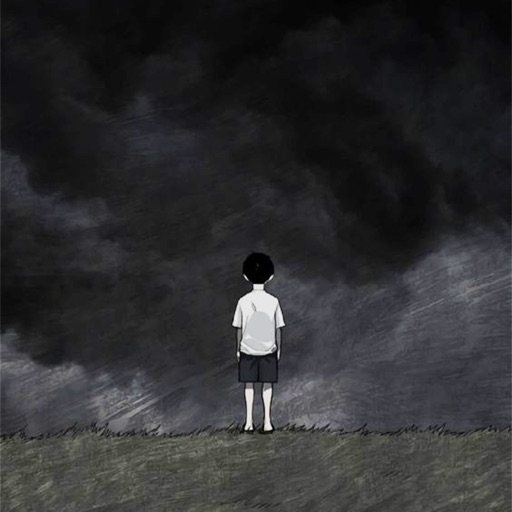
Customize phone with images of sad characters. Select and set images as with one-click save. Access high-quality pictures without hidden conditions. No memory usage restrictions. Apply and download wallpapers directly.
by Abdelkrim Mabkhout★ 4.72,241 ratingsGraphics & DesignFreeData updated 2026-10-15
Convert rectangular videos to square format for Instagram. Post full videos without square cropping. Create custom wallpapers for iPhone lock screen based on device model and clock position.
Shop unique framed prints, phone cases, t-shirts, and leggings from artists and influencers. Upload and sell your photos for free. Follow artists to purchase their work as custom products.
Create and customize 4K wallpapers using AI-generated designs and manual edits. Browse a collection of high-resolution HD and 4K wallpapers. Download new daily updates. Set as home screen or lock screen.
Create dynamic wallpapers using personal photos. Select templates, add images, and generate cohesive collections. Automatically change wallpapers based on selected photo sets. Sync with iOS 16 Photo for seamless integration.
Customize device wallpaper with high-quality images. Browse abstract, landscape, and other designs. Download and set as wallpaper. Organize favorites. Share with others.
Create using augmented reality by adding photos, text, videos, symbols, and drawings. Customize elements with backgrounds, textures, and colors. Convert videos into photos and set them as .
Set with high-resolution, colorful images. Choose from cute designs for boys and girls. Automatically resize and crop images to fit your device. Receive new monthly. Use a lightweight, fast that uses minimal memory and battery.
View high-resolution wallpapers optimized for iPhone and iPad. Access dark, neon, and cinematic themes with a retro atmosphere. Explore supernatural, sci-fi, and mysterious visuals. Set as home screen or lock screen. Share wallpapers directly.
Create dynamic wallpapers with AI-generated visuals. Choose from anime, nature, abstract, minimalism, and space themes. Apply effects like motion and transparency. Customize settings and update daily with new content.
Create unique wallpapers to the iPhone and achieve a clean, streamlined look. Design custom images with intuitive controls and apply them directly. Adjust settings to fit your device's display.
Create customized monogrammed with selectable backgrounds and text. Add unlimited text elements and apply filters for color, brightness, contrast, and saturation. Adjust hue and add effects like vignette. Include design elements and stickers.