Effects with adjustable time, feedback, and mix controls. Apply modulation and filter settings. Save custom presets. Integrate with AUv3 host apps for audio processing and real-time sound shaping.
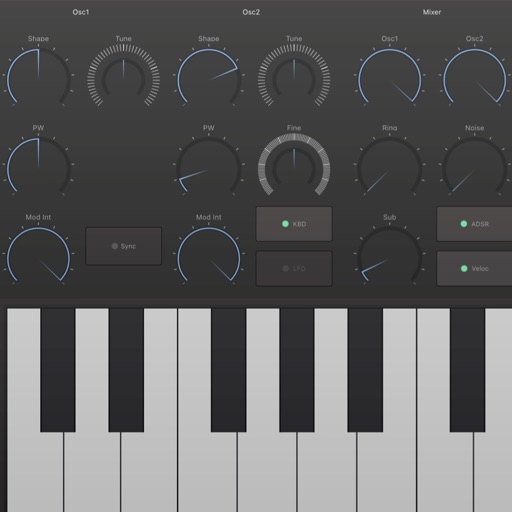
Create and manipulate sound using 2 oscillators, a low-pass filter, and a delay effect. Adjust parameters with knobs or double-tap for fine-tuning. Supports Audio Unit v3, Audiobus, and Inter- Audio. No envelope generator included.
LH Grain offers two independent channels for generating and controlling granular textures. The app provides amplitude envelopes, built-in samples, and audio effects for sound processing.
Import audio files and extract samples using automatic transient detection or manual markers. Play slices with MIDI controllers or built-in pads. Adjust parameters like reverse, level, attack, and release. Sync with AU hosts for automation.
Simulates a vintage with a single oscillator and monophonic synthesis. Users can adjust oscillator wave shapes, apply onboard delay and reverb effects, and set frequency ranges. It offers 1 to 7 octave range control for customizable pitch.
The app combines audification of greyscale pixel data with image filters for image sonification and sound design. It allows control of pixel scan rate for pitch variation and uses an ADSR envelope for non-linear pitch sequences.
Adjust audio signals with a voltage-controlled and a wide-range LFO. Modulate frequency and depth parameters. Connect to MIDI devices and integrate with modular synthesizer systems.
Create and customize MIDI sequences with scale selection, complexity settings, and step controls. Generate random patterns and melodies. Adjust pitch, transpose, and set playback motion. Export patterns or use Infinity mode for continuous generation.
Create music using 8-bit synthesizer with NES and C64-inspired features. Use 8 multitimbral channels via MIDI. Integrate with Audio Unit Version 3 hosts. Support Audiobus for audio routing.
Modify audio signals using modulation, voltage-controlled carrier oscillation, and dual-waveform LFO modulation. Adjust frequency and depth parameters. Connect to MIDI devices and integrate with DAWs for real-time effects processing.
Apply twelve filter algorithms, including MS20 emulation, for sound shaping. Use an envelope follower with stereo sidechain input for dynamic filtering. Access a full FSU section for signal manipulation.