Collaborate on ideas with real-time sketching and prototyping. Share links to brainstorm and discuss. Create digital whiteboards for team collaboration. Use Pencil Kit and Scribble features for drawing and note-taking.
by Nikita Patskov★ 1.01 ratingsDeveloper ToolsFreeData updated 2026-10-13
Create and manage schedules with customizable templates for agendas and project planning. Add notes and sketches using text input or Apple Pencil. Set reminders and track task completion. Sync across devices and export plans as PDF.
The app transforms user photos into pencil sketches. Users can select images from their gallery or capture new ones with the camera to create sketch art.
Communicate through messages, assign and track tasks, store files, and schedule meetings. Add , organize workflows, and collaborate with team members or freelancers in one platform.
Create and customize sports lineups and tactics for multiple sports. Add notes and diagrams to visualize strategies. Share lineups and tactics with teammates and friends. Supports football, basketball, cricket, and other listed sports.
Create 3D designs for apparel, accessories, and packaging. Import custom 3D models and edit 2D patterns at 1:1 scale. Use PBR materials and export high-quality designs for production.
The app allows users to create drawings and sketch templates. Content created within the app can be shared via a link or exported in various formats including email, photo, video, and PDF.
The app converts finger sketches into exact geometric objects. Mathematics becomes an experimental subject, encouraging learners to explore and discover.
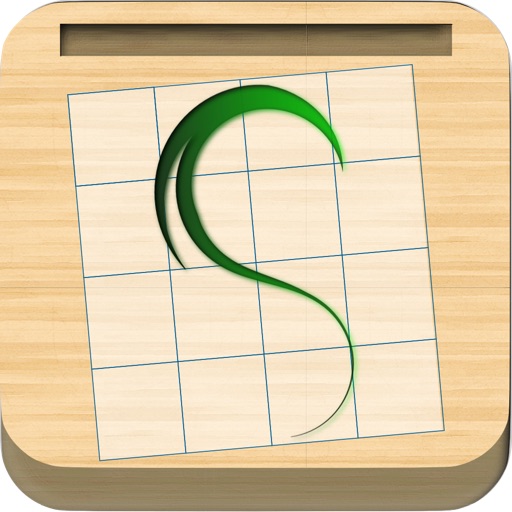
The app provides a translucent canvas with a grid for users to practice drawing and sketching. Users can trace photos from their library, adjust size and location, and use tools like an eraser, undo/redo, zoom, rotate, pan, and flood fill.
Use iPad and Apple Pencil as a liquid crystal tablet. Draw in PC programs like Photoshop and Clip Studio. Connect via wired or wireless. Supports pressure sensitivity and real-time rendering. Export drawings as image files.
Organize with unlimited folders, custom colors, and sorting. Add handwritten , links, and multiple photos. Set reminders, track character counts, and pin important folders. Delete folders in batches and view note counts in folder lists.
The app combines team chat, video conferencing, screen sharing, task management, and document collaboration in one workspace. It allows teams to coordinate campaigns, plan events, and organize product development.
Create personal journals with customizable backgrounds and stickers. Add handwritten notes and drawings using a paintbrush tool. Edit entries quickly with flexible formatting options. Share completed journals with a single tap.