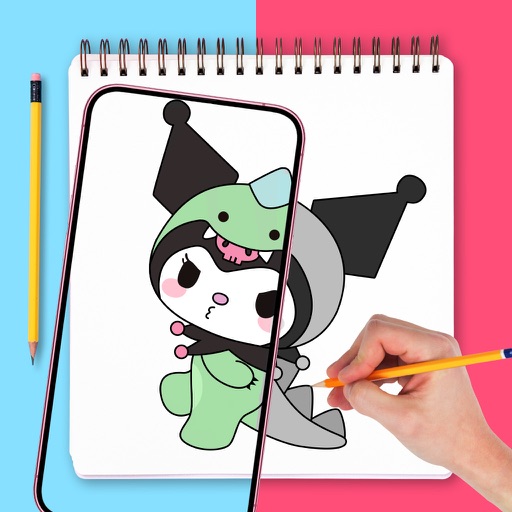
Create freehand artwork from real-life images using AR technology. , , and paint over live camera views. Add text and stickers to drawings. Export creations in multiple formats and share directly.
Use AR to trace and recreate images by aligning with real-world objects. Adjust line thickness and color. Save and share drawings. Access tutorials for improving sketching techniques. Export in multiple file formats.
Use augmented reality to draw on any surface. Trace outlines, adjust colors, and add textures. Save and share drawings. Access tutorials for beginners. Export in various formats.
Create realistic artwork with pencil, brush, pen, and marker tools. Import images as layers and edit with eraser, ruler, compass, and other tools. Add stickers and use layer management for detailed painting and design.
Create and edit drawings using augmented reality. in real-time with touch or stylus. Adjust colors, brush sizes, and opacity. Share drawings directly or export as images.
Drawings, photos, and artwork with adjustable screen brightness for clear visibility. Lock artwork to prevent accidental movement. Use outline mode to enhance line visibility. Project images via AR for tracing accuracy.
Trace images by importing personal photos or using predefined options. Lock the display to prevent accidental movement. Convert photos to line art for clearer . directly on the converted outline. Export drawings in multiple formats.
Create digital artwork with customizable brushes and adjust texture, shape, and paper quality. Import and export images in various formats. Access unlimited brushes and tools for free for 30 hours monthly.
To with structured tutorials and daily practice exercises. Follow step-by-step guides to create illustrations. Access a variety of drawing tools and customize your workspace. Save and review progress to track skill development over time.
Create drawings using augmented reality by tracing images projected through a smartphone camera. Access step-by-step lessons for various skill levels. Save and share drawings. Adjust brightness and colors for original artwork.
3D models using gesture-based controls for object and camera manipulation. Multi-select vertices, edges, faces, and objects with long taps or frame drawing. Merge, connect, and create faces from vertices. Draw cuts on edges.
Edit photos with background removal, cropping, and resizing tools. Adjust brightness, contrast, and color. Choose from and ID photo templates. Preview and export in required formats. Share directly or save for later.
Turn real-world images into sketches using . Capture photos and apply freehand artwork with intuitive tools. Edit and refine sketches directly on the canvas. Share finished drawings via social media or email.
Create art with hand-drawn illustrations by Olivia De Bona. Choose from 50+ exclusive designs. Use tools to , sketch, and customize images. Save and share completed artwork. Adjust brush size and opacity for detailed work.