Create collages by arranging multiple photos in predefined shapes. Choose from 100+ categories including hearts, animals, and flowers. Automatically place photos within selected shapes. Export finished collages.
Photos by flipping horizontally or vertically. Create reflections and repeating patterns. Apply effects and frames. Design collages with multiple layouts. Export and share edited images.
Edit photos with sky glow filter and relight features. Change background elements and remove or replace skies. Adjust sky tones and add effects. Export edited images in various formats.
Edit photos with seasonal and holiday themes. Apply nature-inspired filters and effects. Add text and stickers to images. Save and share edited photos directly.
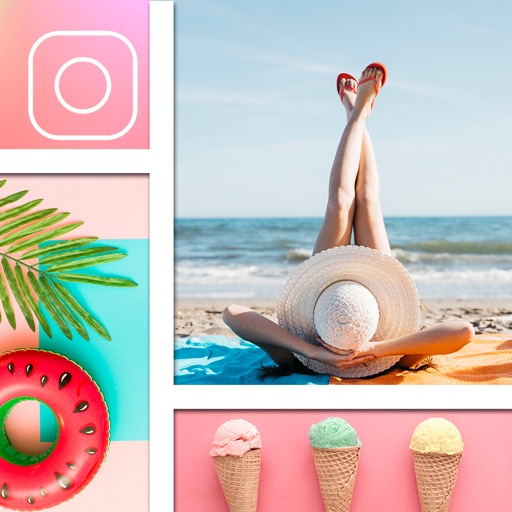
Create collages by mixing and arranging photos, rotating, and moving them freely. Add text, stickers, and backgrounds with customizable fonts, sizes, and colors. Draw or write on photos using a doodle tool. Export and share finished collages.
Edit photos with filters, stickers, and effects. Add text and adjust brightness. Save and share directly. Select from a gallery or take new photos. Includes birthday, wedding, and vacation themes.
Edit photos with monochrome, retro, and vintage . Apply effects to enhance visuals. Share edited images directly from the . Adjust brightness, contrast, and saturation. Save and export in standard formats.
Apply VHS, Stardust, Retro, and Golden Hour filters to photos and videos. Edit RAW photos with tools like Contrast, Saturation, Grain, and Fade. Crop and Skew images for perspective adjustments. Save and reuse favorite edits with presets.
Select photos from gallery or photo library. Choose from numerous PIP frames. Use single image for both foreground and background or different images for each. Edit foreground and background separately. Apply photo filters.