Adjust audio frequencies using adjustable band widths and fader-style controls. Visualize EQ adjustments in real-time. Apply low-pass, band-pass, and high-pass filters to shape sound. Modify tone and filter settings for precise audio customization.
by BLEASS★ 5.028 ratingsMusic$3.99Data updated 2026-10-12
Adjust audio frequencies with precise equalization controls. Apply filters, adjust gain, and manage frequency bands. Save presets and load them quickly. Integrate with digital audio workstations for real-time processing.
A music equalizer with five bands, including low shelf, high shelf, and three parametric peak/cut filters. Each filter can boost or cut by 24 dB. Frequencies range from 10 Hz to 20 kHz. Filters can be rearranged freely.
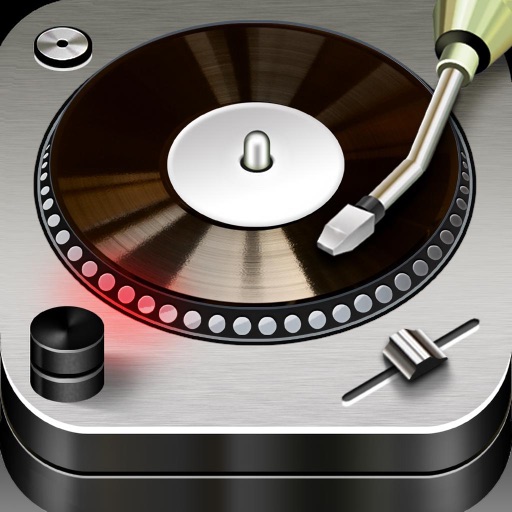
Edit and mix with FX, 3-band equalizer, and 9-pad sampler. Load tracks from iTunes or external sources. Record mixes and voiceovers. Use gyro-based scratching and set loop points. Apply skins and access a sample library.
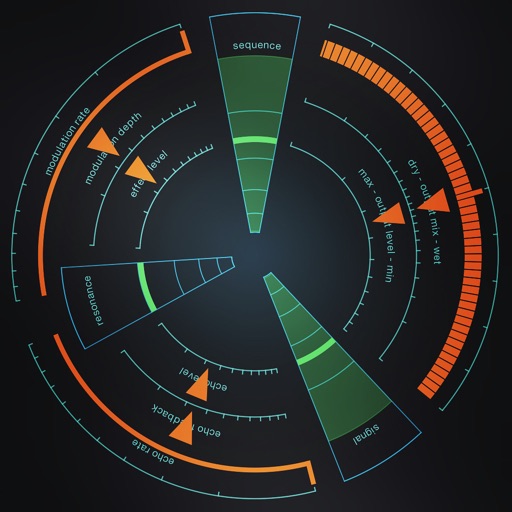
Create and apply motion filters to audio inputs in real-time. Choose from three filter types and adjust range, frequency, and quantization. Use sequencer movement for pattern creation or enable infinity mode for continuous randomization.
Play with crossfade transitions and an intuitive interface. Use the XBass Bass Booster and EQX for enhanced sound quality. Manage your library and control playback directly within the .
Record and edit files using multitrack editing. Cut, trim, and split segments. Apply effects and use a professional equalizer. Mix tracks and export in various formats. Share edited files directly.
Analyze in real time with octave band and FFT plots. Display sound levels in decibels and noise ratings. Choose linear or logarithmic scales. Adjust window functions and track maximum values.
Record and process audio in real time using microphone input. Apply studio-quality enhancements, excitation, and sweetening effects. Adjust parameters for depth, clarity, and tone. Export processed audio files.
The app is a multitrack audio editor for iPhone and iPad. Users can record or import tracks, edit them with cut, copy, paste, and delete functions, and apply filters and effects.
Record up to 16 tracks with effects like pan, reverse, reverb, tremolo, and tempo delay. Use as a standalone or plugin. Manage master and input effects. Loop and layer audio for creative playback.
Allows users to slow down audio, loop specific sections, and adjust pitch. They can isolate instruments using EQ, tempo while preserving sound quality, and export loops for practice.
View and download high-resolution of bands. Filter images like Instagram. Crop photos before saving. Set selected images as device wallpaper. Access and artwork for customization.
Adjust audio with up to 24 bands of EQ. Use dynamic EQ and linear phase processing. Access spectral EQ and character modes. Edit in real-time with EQ Sketch. Control multiple 4 instances from one interface.