Calculate size for round or rectangular ductwork. Adjust airflow, diameter, width, or height using sliders. Enter values directly for precise measurements. Lock friction calculations for accurate results.
The app offers data on ISO-Tolerances, Threads, Cutting Data, Wrench Size, and Roughness. It includes charts for linear dimensions, radii, chamfer, and angular dimensions, along with symbols and explanations for geometrical tolerances.
Calculate payments and generate repayment schedules. Share schedules via email. Add extra payments to reduce payoff time. Graph repayment timelines. Track total interest paid. Save multiple loans for quick access.
Calculate hold overs and scope adjustments for long-range shooting. Input bullet weight, velocity, and environmental factors. Switch between imperial and metric units. View range cards and bullet lists.
Udio tones with customizable frequency settings from 15Hz to 22KHz. Choose between sine, square, sawtooth, and triangle waveforms. Create and save custom presets. Control playback from notification drawer, lock screen, or headset buttons.
Calculate length and associated values for gable roofs. Input room width and ridge height to determine pitch, lengths, and ridge height. Use advanced options to enter pitch in radians, degrees, DMS, or rise/run.
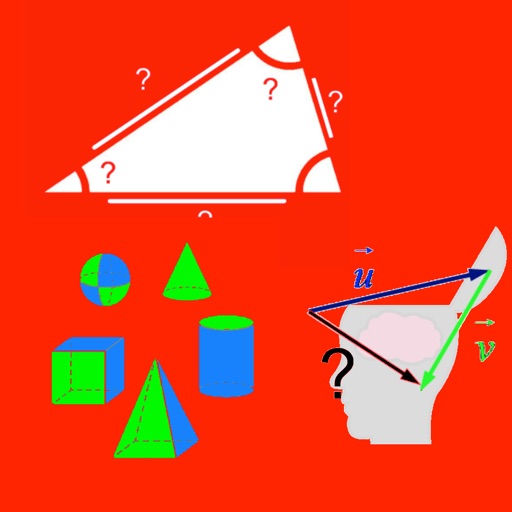
Calculate areas and volumes of various shapes including squares, rectangles, triangles, circles, and ellipses. Input dimensions to get formulas and results. View volume calculations for cubes, cylinders, cones, and spheres.
View 3D STL files with support for ASCII and binary formats. Load models from ZIP files. Rotate, pan, and zoom for graphic manipulation. Switch between orthogonal and perspective views.
Land areas using GPS and map data. Draw boundaries with swipes to calculate plot size. Save and view measurements. Share results via email or messaging. Sync with other devices for accurate tracking.
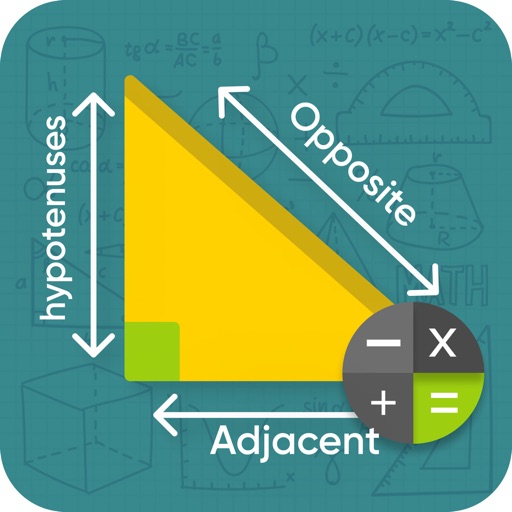
Solve right-angled triangles by inputting known sides or angles. View step-by-step calculations and a scale drawing of the triangle. Access basic formulae. Enter angles in radians, decimal degrees, or degrees, minutes, seconds.
Calculate lengths, angles, and area of shapes. Select a shape from a list. Enter values in boxes linked to orange points. Adjust point positions using the NEXT button or tapping points. Retrieve calculated measurements based on input.
Quilting calculators help convert units between yards and inches, meters and centimeters. Determine fabric needed for backing, batting, and borders. Calculate rectangular pieces from larger fabric.