Math problems by taking a photo. Recognize equations, word problems, and geometry figures. Get step-by-step solutions and explanations. Track progress and review past problems. Share solutions via email or messaging.
With symbolic algebra, equation solving, and calculus functions. Supports fractions, repeating decimals, and high-precision numbers. Displays results as simplified expressions or numerical values.
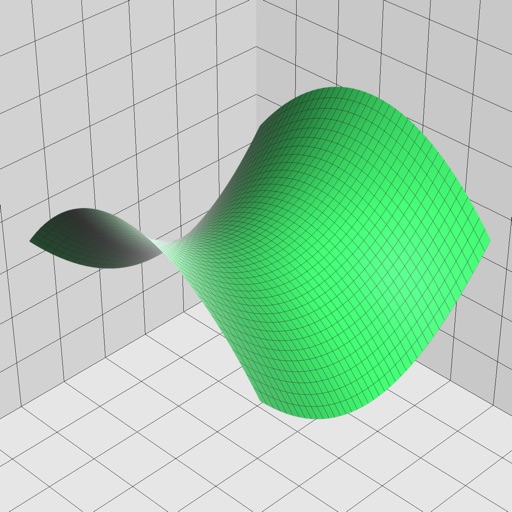
Enter and edit equations in mathematical notation. Visualize 2D and 3D graphs of explicit, implicit, and inequality equations. Adjust settings for display and analysis. Save and share calculations.
A calculator with a clear display and large buttons supports functions. Switch between portrait and landscape modes on iPad. Perform simple calculations without additional features.
Solve mathematical problems with fraction, decimal, and equation input. Display results in decimal, rational, , or trigonometric formats. Support up to 16 decimal places for precise calculations.
Allows users to take photos of math problems and receive step-by-step solutions. It can plot graphs of equations. Users can chat with an AI tutor for homework and assignment .
Solve equations and graph functions with advanced math support. Perform calculus operations and matrix calculations. Access detailed tutorials and a comprehensive user manual. Export results and share calculations.
Calculate with a dual-line display showing input and result simultaneously. Use percentage and backspace functions. Choose from 18 color themes. Enter multi-line equations. Automatically format scientific expressions. Access via Split View.
Simulate the HP-45 scientific calculator with photo-realistic visuals and animated keys. Perform all original functions and operations. Access a secret timer for 12-hour or 100-hour intervals. Switch to Super-45 mode for enhanced capabilities.
Is a that lets users input and edit formulas with a live display. It supports formula reuse, variable memory, and cursor navigation for precise editing. Users can check formulas for errors and adjust values efficiently.
Perform complex calculations using RPN entry system. Access hyperbolic and inverse hyperbolic trig functions. Calculate probability, factorials, and percentages. Support absolute, integer, and fractional values. Generate random numbers.
Take photos of problems or input equations to get instant solutions. View step-by-step explanations to understand solving methods. Correct answers and detailed breakdowns are provided for homework assistance.
Write calculations directly on the screen for real-time results. Edit equations with gestures or add elements anywhere. Drag and drop previous results for reuse. Supports interactive ink for natural handwriting input.
Solve equations, perform algebraic calculations, and graph functions. Support for multiple models including TI-83, TI-84, TI-89, Casio FX, and Sharp EL. Includes a scientific , fraction simplifier, and unit converter.
Perform basic and complex calculations with a minimalist interface. Large buttons and a display show current input and calculation history. Supports portrait and landscape orientation. Includes AI-powered problem-solving for advanced operations.
The app allows users to enter and modify formulas while checking them, preventing errors. It provides a history of formulas and answers, supporting various number systems and memory functions for calculations.
MyCalc offers basic and scientific calculation functions. Users can switch between portrait and landscape modes. It supports currency and unit conversions. Results, equations, and conversions can be copied, shared, or saved.
Perform general calculations including addition, subtraction, multiplication, division, and square roots. Use memory functions for storage and retrieval. Apply thousands separators and handle numbers up to 60 digits.
Perform complex calculations with a supporting trigonometry and Bessel functions. Access over 80 mathematical functions and quick references for basic operations. Solve equations efficiently for engineering tasks.