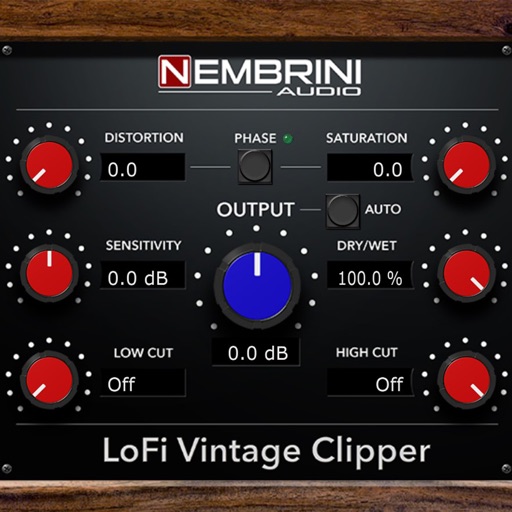
Adjust sound with Drive, Tone, and Level controls. Modify audio signals using a classic pedal model. Apply effects to guitar or audio inputs. Save and recall preset configurations. Export processed audio files.
by Nembrini Audio S.r.l.★ 5.031 ratingsMusicFreeData updated 2026-10-10
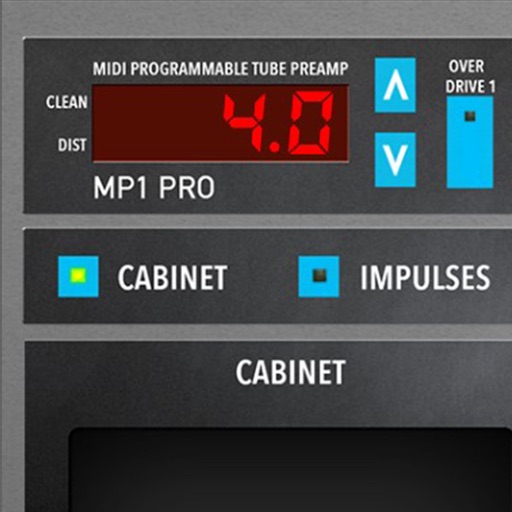
Adjust audio signals with tri-state voicing options for distortion tube, clean tube, or solid state. Apply digital delay with lo-fi filter and time offset controls. Customize power amplifier settings including presence, resonance, and power switch.
Create and customize music with a retro . Use real YM2616 sound chips for authentic chiptune and effects. Generate pads, sound effects, drums, and leads. Adjust waveform parameters and modulation settings. Export audio files and share directly.
Create rhythmic patterns with brush, hot rod, and hand drum sounds. Play live sessions using 8 assignable pads for fills, intros, and endings. Export multi-track or full mix via MIDI. Sync with Apple Health for workout tracking.
Turn your iPhone or iPad into a multi-effect processor for electric guitar and bass. Connect via iOS-compatible audio interface. Adjust effects in a traditional chain or use amp-less setups. Record and playback audio.
Create and customize beats using a built-in drum synth. Import or select from numerous WAVs and loops. Access classic drum sounds and patterns. Integrate with plugin ecosystems for expanded creative options.
Create guitar riffs by selecting preset musical styles and tapping "Create". Listen to and save the generated riff as tablature. Customize settings to adjust and refine the riff further.
Create and customize kits with 154 options including 42 classic and 112 original electronic kits. Adjust sounds, velocities, and effects. Record and playback performances. Sync with MIDI devices and control via touch or pads.
Play rhythm-based games with melody and rhythm modes. Choose between chill or challenge difficulty. Follow on-screen notes to score points. Miss notes to lose your part. Explore song charts and indie music tracks. Compete for high scores.
Learn to use a real parametric EQ with interactive lessons. Adjust frequency, gain, and Q settings. Practice equalization techniques and apply them directly to audio projects. Track progress through structured modules.
Create and customize drum patterns using synthesis models. Adjust parameters like pitch, timing, and velocity. Layer multiple drum sounds. Export projects and share files. Sync with MIDI devices.
Create rhythmic patterns from sustained sounds using slice envelopes. Adjust gating mechanisms for staccato or pumping effects. Generate rhythmic gating by cutting and filtering audio. Sync with AUv3 compatible hosts for real-time processing.
Adjust audio pitch in real time for monophonic signals between 50Hz and 2000Hz. Apply auto pitch correction to male and female voices. Modify correction intensity and speed. Add robotic tuning effects with low latency.
Record audio with emulation effects including echo, start, and stop functions. Apply Lo-Fi analog sound characteristics. Export as AUv3 plugin or standalone format.
Create and produce music with beat-making, track composition, and sampling tools. Record and sequence audio and MIDI. Use high-quality UVI instruments and effects. Export mixes, stems, or project files. Share tracks on YouTube or SoundCloud.