Apps Like Universal Remote: TV Control・ for iPhone and iPad
Control devices with your phone
Control devices from your phone with one . Manage Smart TVs and streaming boxes remotely. Switch channels, adjust volume, and access favorite apps instantly. Pair quickly with major brands like Samsung, Roku, and LG.
by UNIVERSAL REMOTE LABS COMPANY LIMITED★ 4.37,822 ratingsProductivityFreeData updated 2026-10-10
TV with a smartphone, replacing physical remotes. Adjust volume, change channels, and navigate menus. Manage multiple devices including streaming boxes and sound systems. Customize layouts and save frequently used buttons.
Mirror device content to TV via or Google Cast. Cast movies, shows, music, and photos from iPhone, iPad, or Mac. Connect to Samsung, Roku, Fire TV, LG, and other compatible brands. photos and videos directly to the TV . Mirror phone with one tap.
Control TV remotely using an iPhone. Adjust volume, change channels, browse content, and navigate menus. Connect to the same Wi-Fi network for seamless control.
Bluetooth finder allows users to locate lost Bluetooth devices by scanning nearby devices. Users can select their lost from a list and track its location. WiFi scanner detects connected devices such as cameras and TVs.
Connect and manage Bluetooth audio devices with fast pairing and automatic recognition. Switch between multiple devices easily. Monitor battery levels when available. Features a clean, intuitive interface for simple control.
Photos and videos with customizable icons and themes. Set up fake passwords and receive break-in alerts. Edit and play media within the . Backup content securely to the cloud. Protect sensitive content with a private .
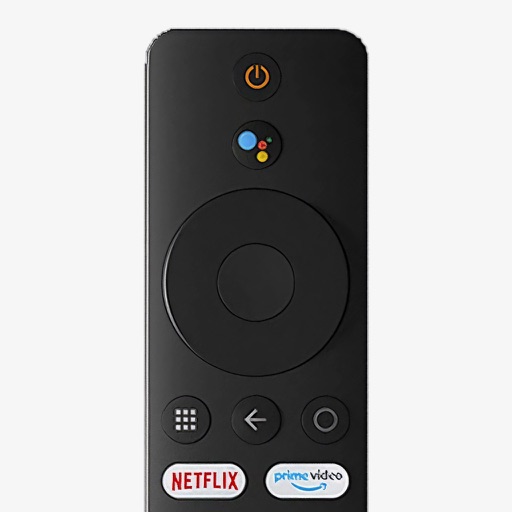
Control your Mi Box with full remote functions including volume, power, and navigation. Manage apps by opening, closing, and switching them from your phone. Use voice search to find content and control playback.
Two-factor authentication for iOS. Add accounts by scanning QR codes, using photos, or entering details manually. Verify login attempts with time-based one-time passwords. No account login required for setup. Supports all QR code mechanisms.
Lets users manage streaming devices via phone. Navigate with swipe-based controls. Connect devices to same Wi-Fi network. Simplify text input with built-in keyboard. Search and input text efficiently. playback and device settings remotely.
Control your television using iPhone, iPad, Apple Watch, Apple Vision Pro, or HomePod. Add multiple TVs, customize layouts, apply themes, and use Widgets and Siri Shortcuts for interaction.
Control your TV with iPhone or iPad. Navigate menus and apps using a smart thumb pad. Connect via Wi-Fi for quick setup. Adjust volume, switch channels, power on/off, mute, and toggle inputs. View paired devices list.