Apps Like Universal Remote: TV Control・ for iPhone and iPad
Control devices with your phone
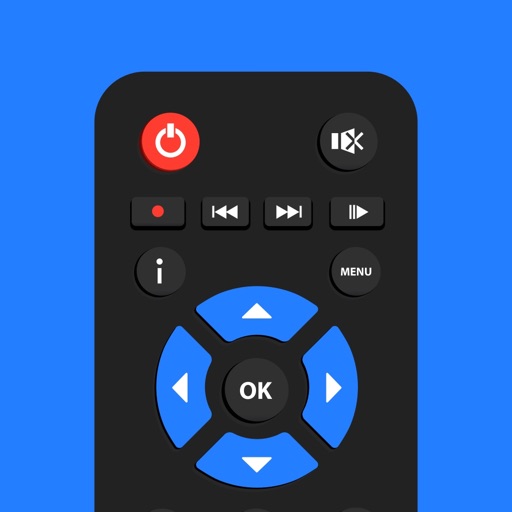
Control devices from your phone with one . Manage Smart TVs and streaming boxes remotely. Switch channels, adjust volume, and access favorite apps instantly. Pair quickly with major brands like Samsung, Roku, and LG.
by UNIVERSAL REMOTE LABS COMPANY LIMITED★ 4.37,822 ratingsProductivityFreeData updated 2026-10-10
Control TV functions remotely via smartphone. Navigate menus, adjust volume, and select channels. Pair with devices like TCL, Hisense, Philips, JVC, Sharp, and Sanyo. Access built-in apps and manage playback settings directly from the .
Multiple TV brands including Roku, Vizio, Fire TV, Panasonic, Philips, Hisense, and TCL via Wi-Fi. Navigate menus, adjust volume, and switch inputs. Access built-in apps and manage streaming services. Pair with devices using a simple setup process.
Your TV with a touchscreen interface. Connect your iPhone to the same Wi-Fi network as your TV for full functionality. Navigate through TV settings and channels using on-screen buttons.
TV functions with a phone using WiFi. Adjust volume, change channels, and navigate menus. Mirror phone screen to TV for content sharing. Connect to multiple devices and manage settings through the .
Control TV channels, adjust volume, and manage playback with commands. Access a interface compatible with multiple TV brands. Use AI to search for content and navigate menus without manual input.
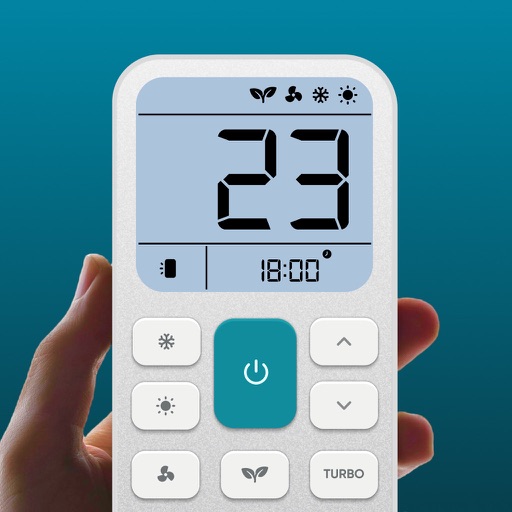
Control air settings from a smartphone. Adjust temperature, switch modes, set timers, and change fan speed. Connect to multiple AC units. Compatible with various brands. Manage cooling or heating remotely. View and adjust schedules.
Stream live footage from connected WiFi cameras. Manage multiple IP cameras and view real-time feeds. Receive motion alerts and save recordings remotely. Control settings and access history from anywhere.
Lets users change channels, fast forward, rewind, skip back, and adjust volume. Navigate menus with a trackpad or search using a phone’s keyboard. Connect to Roku TV via Wi-Fi for full control functionality.
Control TV and devices remotely via Wi-Fi. Navigate menus, adjust volume, and access key functions. View a simple interface for quick operations. Compatible with all TVs and devices.
Track installed and . Create and manage personalized favorite lists. Share lists with friends. Organize history and access records. Share records effortlessly.
Mirror device to smart TV without cables or extra hardware. Connect via Wi-Fi, select TV, and start mirroring. Share content in full quality with real-time performance. No TV needed for direct casting.
Your TV with a phone that acts as a . Adjust volume, change channels, and navigate menus. Compatible with Samsung, Roku, LG, Sony, FireTV, AndroidTV, Vizio, and Hisense. Connect via Wi-Fi to operate the TV from anywhere in the home.
Control Roku device remotely via Wi-Fi. Navigate channels, adjust volume, and manage playback. Access keyboard for text input. View and control screen mirroring sessions. Manage playback settings and system menus.
Control TV functions like power, volume, and channel selection with tap gestures. Navigate apps and adjust settings through an intuitive interface. Connect to your TV with simple setup steps.
TVs and devices with functions for volume, channel navigation, and power. Cast photos, videos, and web content to devices. Mirror iPhone screens to TVs for content sharing.