The app provides independent photo and video capture controls, including exposure and white-balance lock. It offers live filters, burst mode, and time-lapse video recording with editing options.
KUPERTINO BIL. YAZ. HALIL IBRAHIM KARAHAN SAFFET ARSLAN MUSTAFA AYTEN MUHAMMET YALCIN OZDEMIR K. S.
Record videos and photos
Record photos and videos with palettes, night vision enhancements, and infrared moods. Adjust intensity and contrast to enhance visuals. Switch between , night vision, and infrared modes instantly.
Restore and enhance images with one-tap clarity, sharpening faces and boosting up to 4x resolution. Apply vintage restoration and colorisation. Use creative filters and editing tools to restyle photos for social media and professional use.
Functions as a that adjusts brightness automatically to capture images in both bright and dark environments. It does not support video recording; users must use the standard iOS screen recording function for videos.
Edit photos with cropping, rotation, and flipping tools. Adjust composition and apply AI-powered enhancements. Retouch images with advanced editing features. Export in multiple formats and share directly.
Record videos in various resolutions, frame rates, and codecs like Open Gate and ProRes. Apply custom LUTs for color grading. Preview and adjust footage in real time. Export in multiple formats for different platforms.
Generate professional headshots using AI by uploading a selfie. Select from various styles to match different professions. Edit and download final images for LinkedIn, resumes, and personal branding.
Connect to iOS device camera for live streams and meetings. Use manual controls for settings. Draw and add text via voice on video feed. Pause video to annotate. Stream via USB, HDMI, or AirPlay to Ecamm, OBS, or Zoom.
Capture, edit, and share professional-grade photos
Edit photos and videos with manual controls for exposure, focus, and white balance. Adjust color grading, apply filters, and crop images. Export in high-resolution formats and share directly from the .
Edit photos by blurring backgrounds, faces, or specific subjects. Apply various effects and filters. Save edited images to the camera roll or share them directly.
Edit photos and videos with advanced auto enhance tools, double exposure, and 425 special light effects. Apply filters, add stickers, typography, and vignettes.
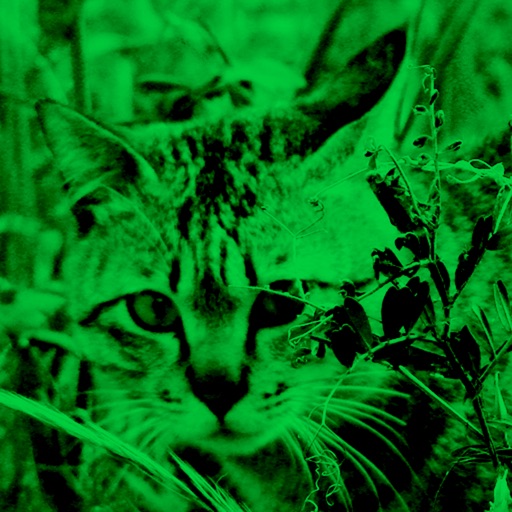
Enhance low-light photos with increased light intake and 8x zoom. Apply thermal imaging, green mode, and binoculars effects. Adjust brightness and contrast for clearer images in dark conditions. Share edited photos directly.
Create collages using over 50 templates. Customize layouts, add text, and include photos or videos. images with filters, cropping, and manual adjustments. Shoot photos with manual camera controls. Export and share edited content in various formats.